How can we help?
Simple, step-by-step guides for setting up your account and running your business on Freshline every day.
Getting started
Set up your account, your team and your storefront.
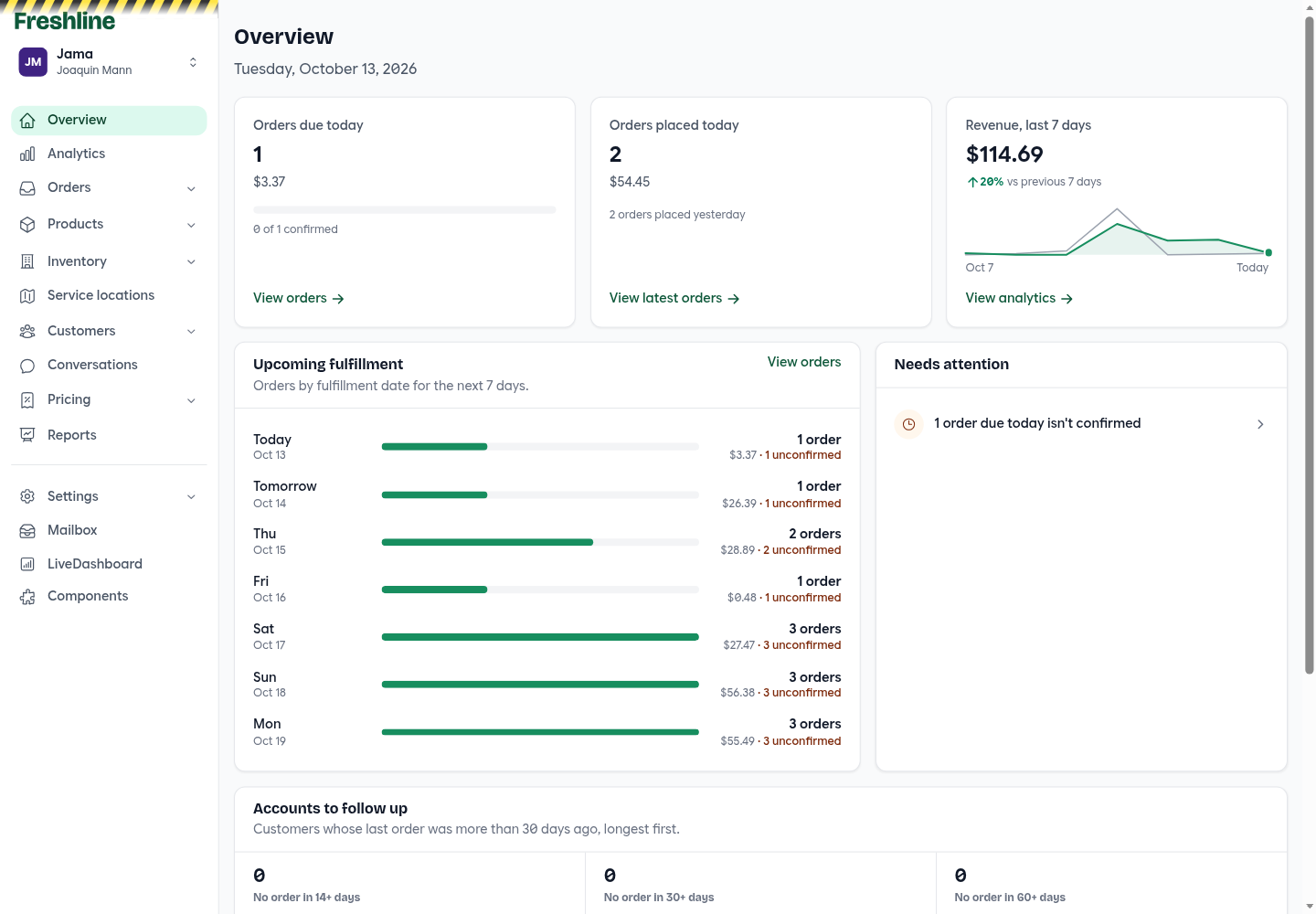
Overview and analytics
See today’s orders, what needs attention, sales trends and who changed what.
- First steps after you sign up
- Use the overview
- Explore analytics
- See what changed with the activity log
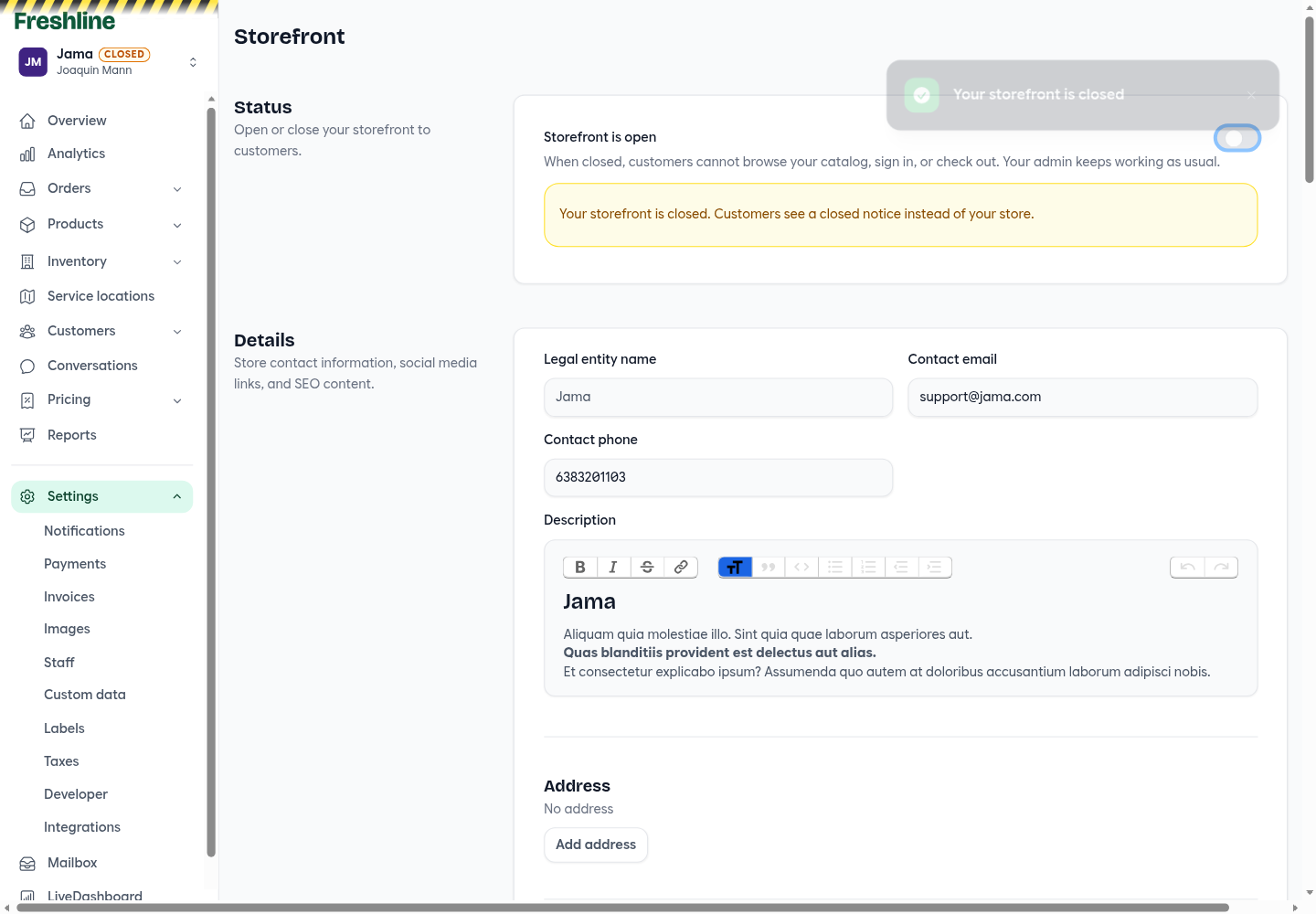
Store settings
Business details, order automation, financial visibility, labels, taxes and custom data.
- Update your business details
- Choose how orders move
- Control what staff see and charge
- Set inventory and credit options
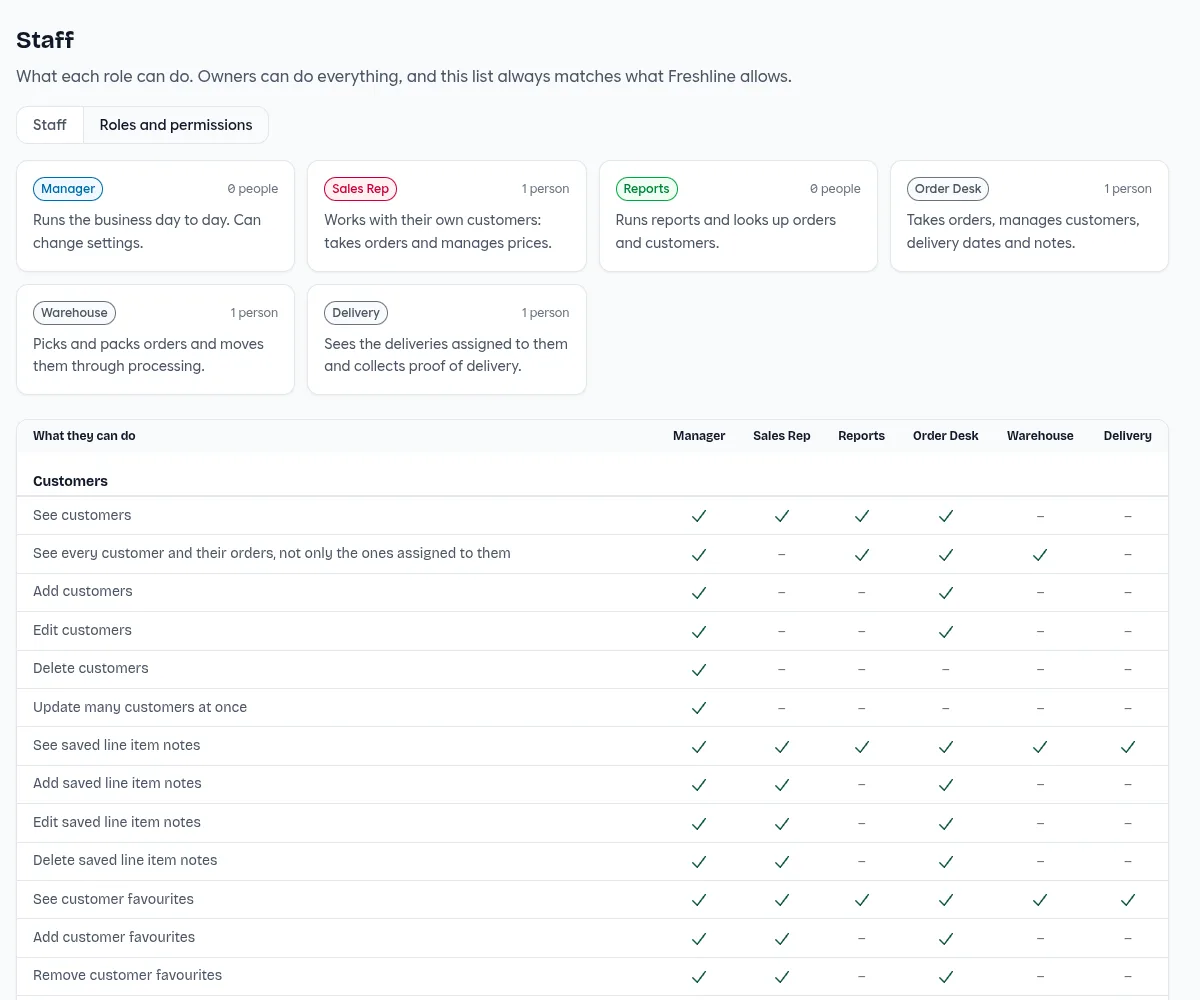
Staff and roles
Invite your team, choose what each person can do and assign customers to sales reps.
- Invite staff
- See what each role can do
- Assign customers to sales reps
- Set up warehouse and delivery staff
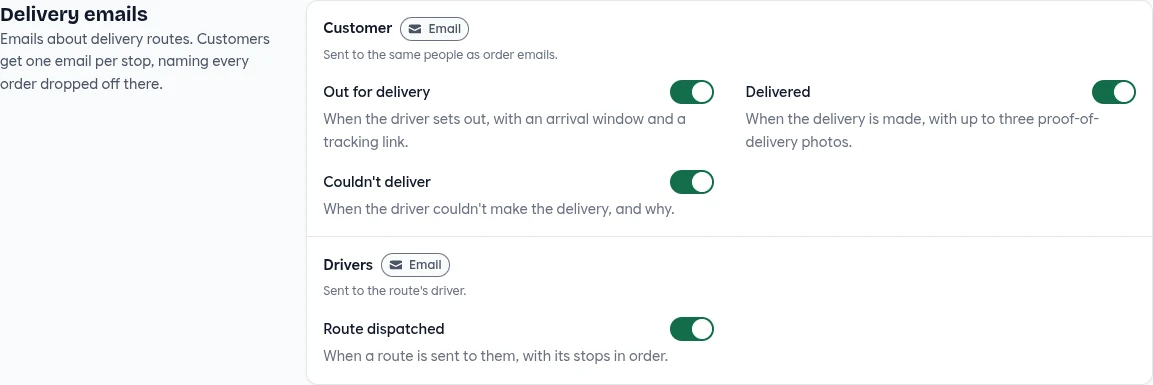
Notifications
Choose which emails and texts go out to customers, sales reps, drivers and your warehouse.
- Set your email sender
- Choose customer order emails
- Send delivery emails
- Send invoice and payment emails
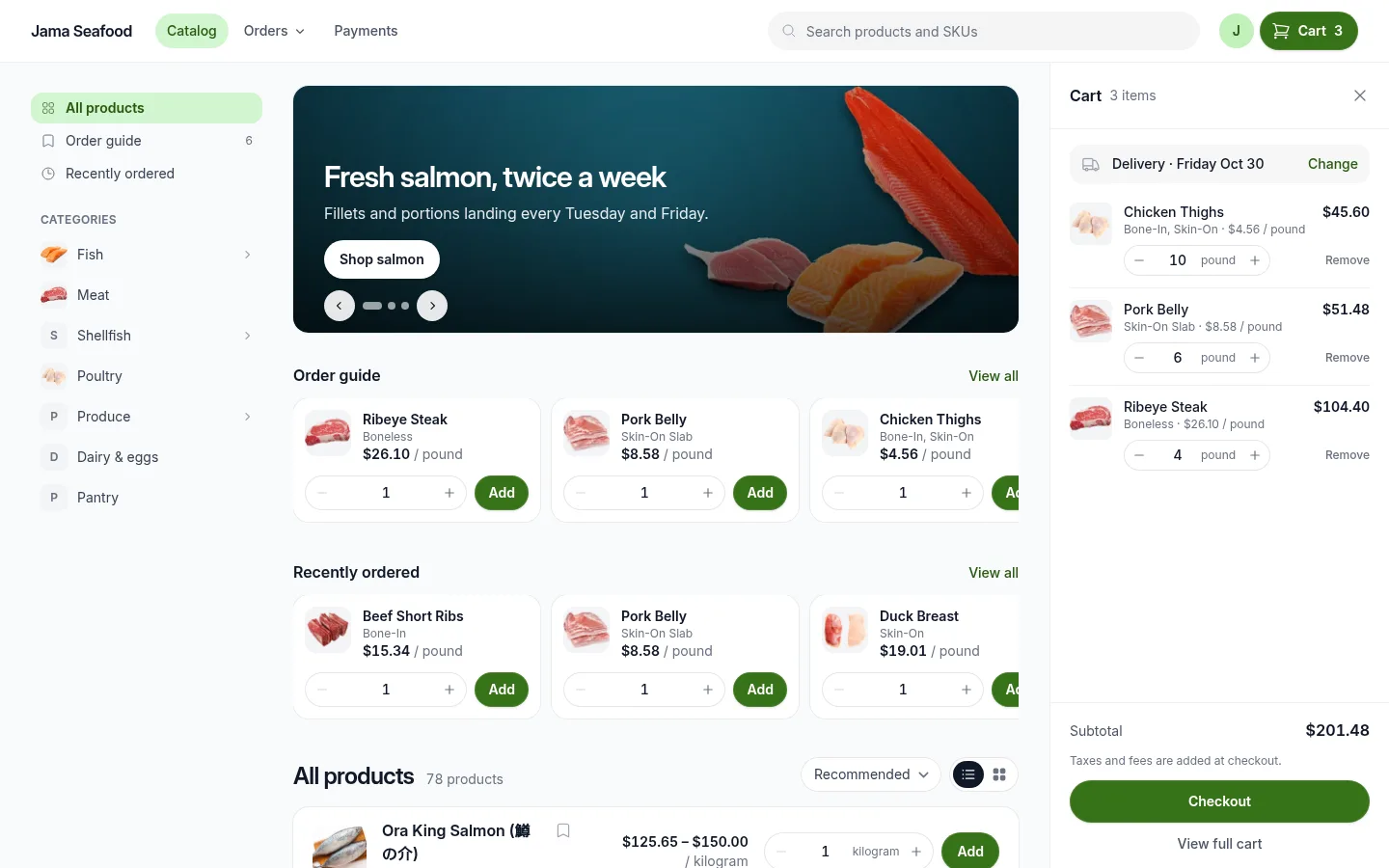
Customize your storefront
Add your logo and color, set up the home page and catalog, and use your own domain.
See all 7 guidesOperations
Orders, products, inventory, deliveries and reports.
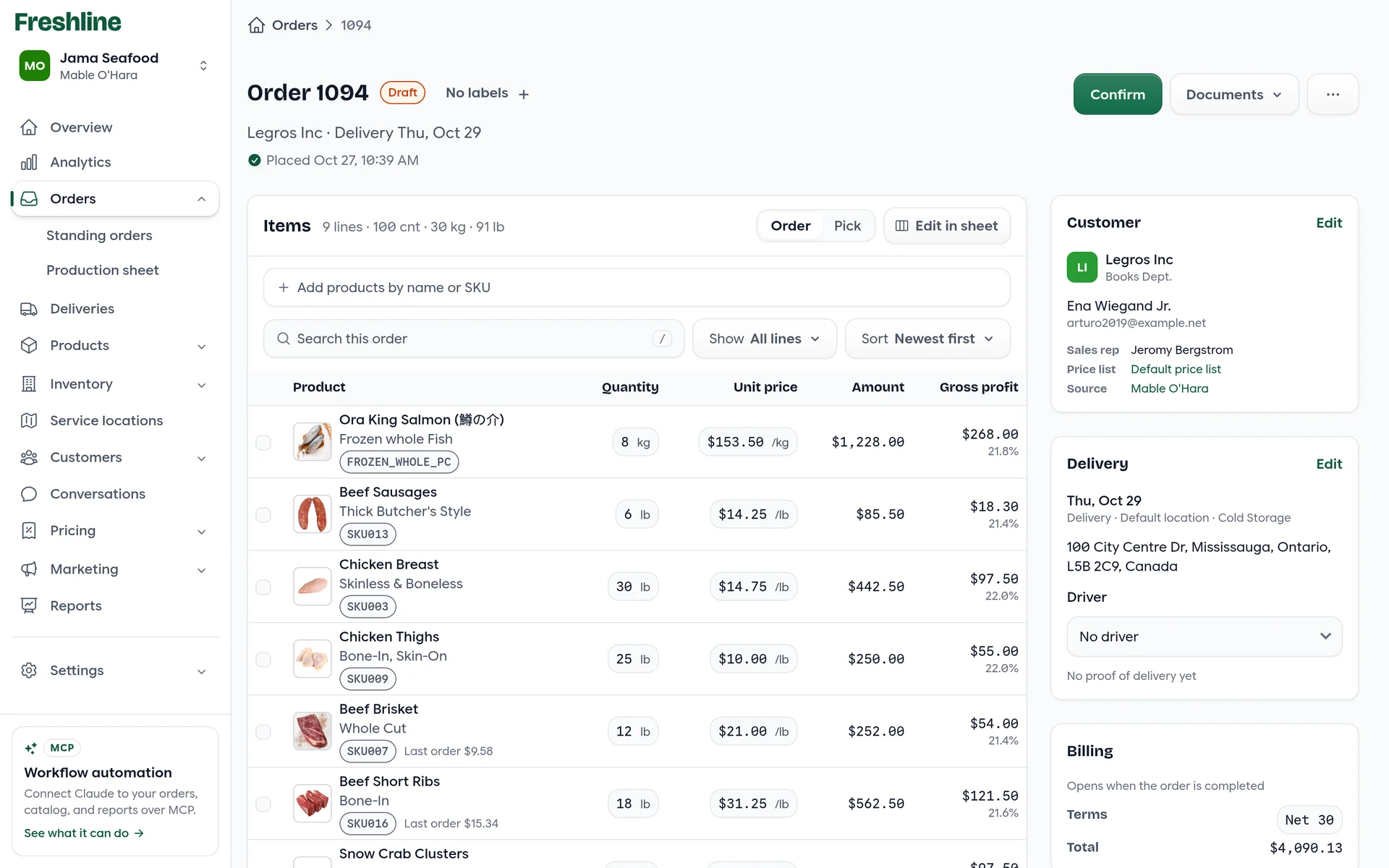
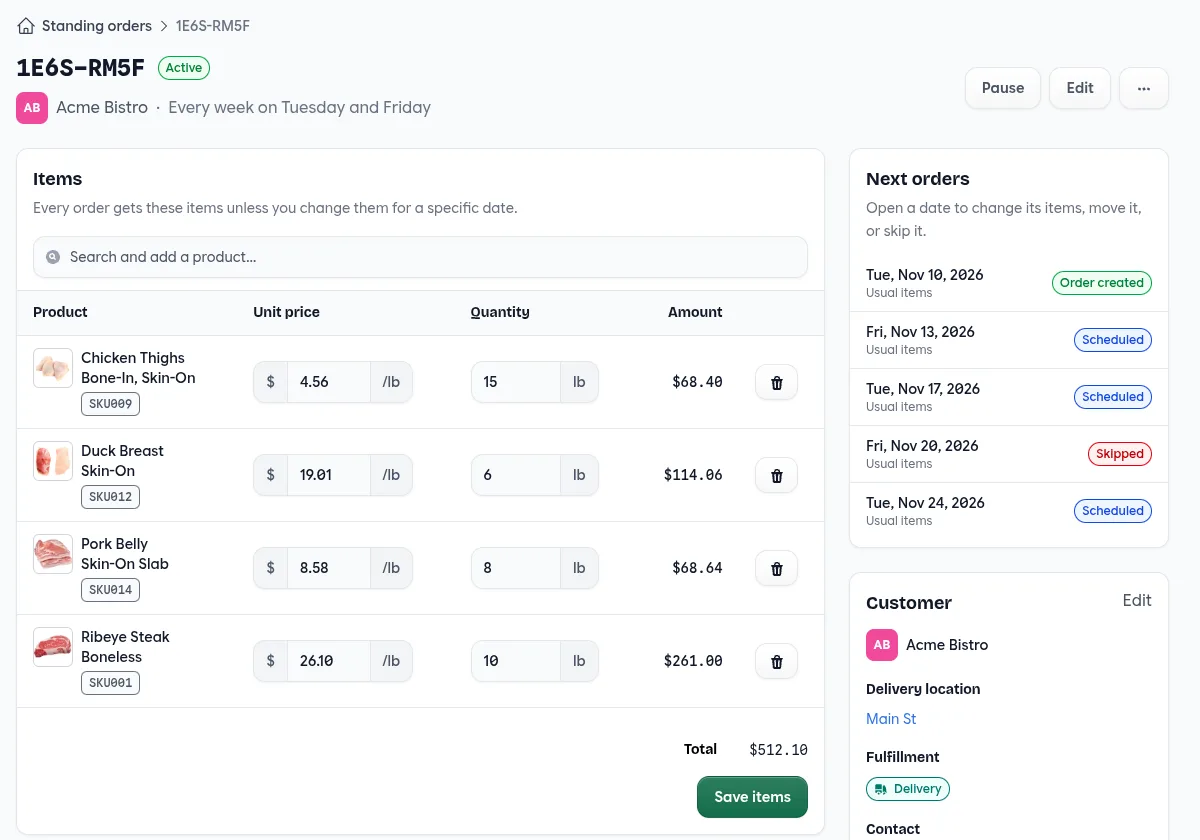
Standing orders
Place the same order for a customer on a repeating schedule, and change single dates when needed.
- Create a standing order
- Edit a standing order’s items or schedule
- Change one date
- Pause, resume or end a standing order
Production and packing sheets
See what to make for each day, record what’s produced and pack orders by weight.
Open guide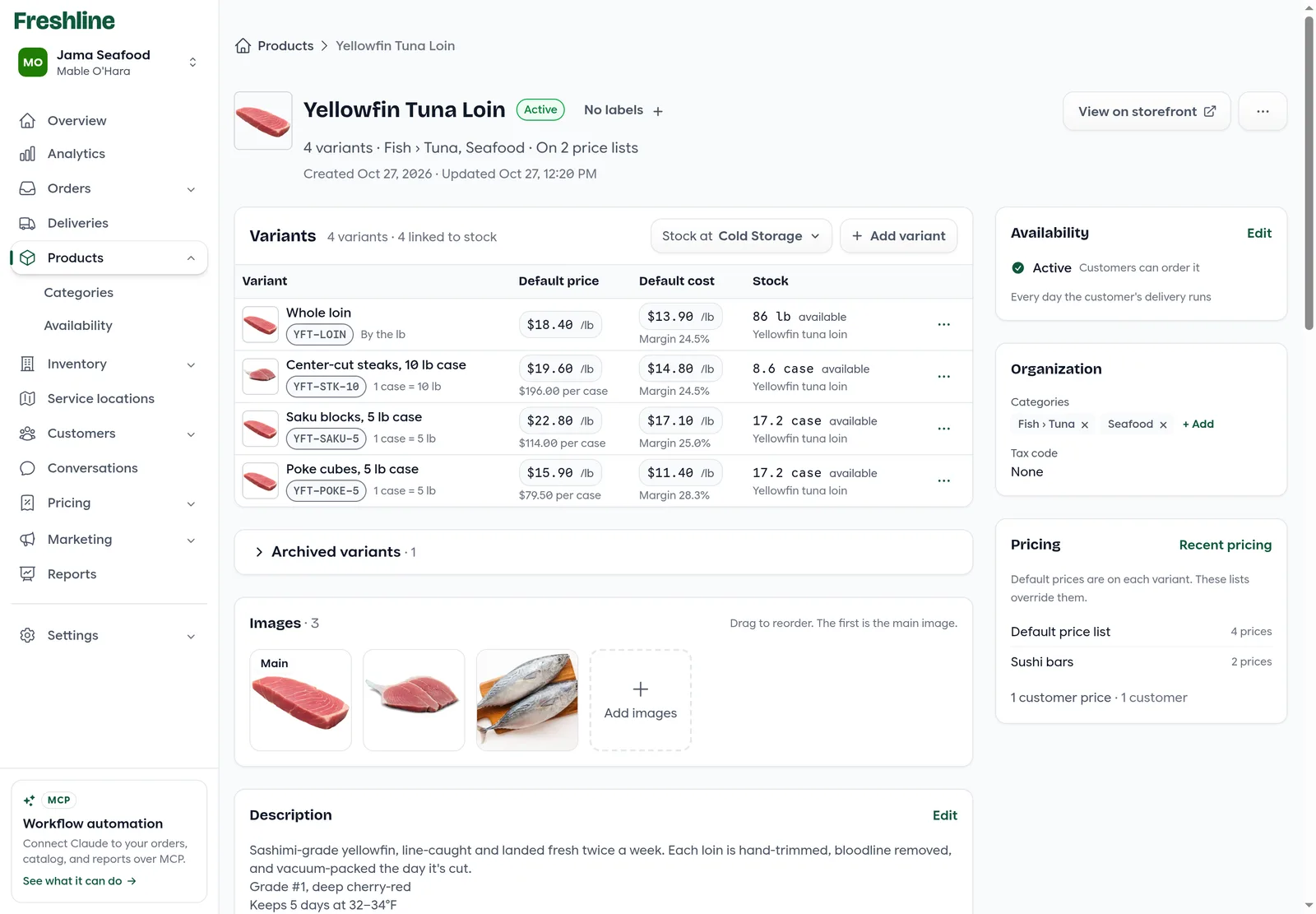
Products
Build your catalog: products, variants, units, photos, categories and availability.
See all 11 guides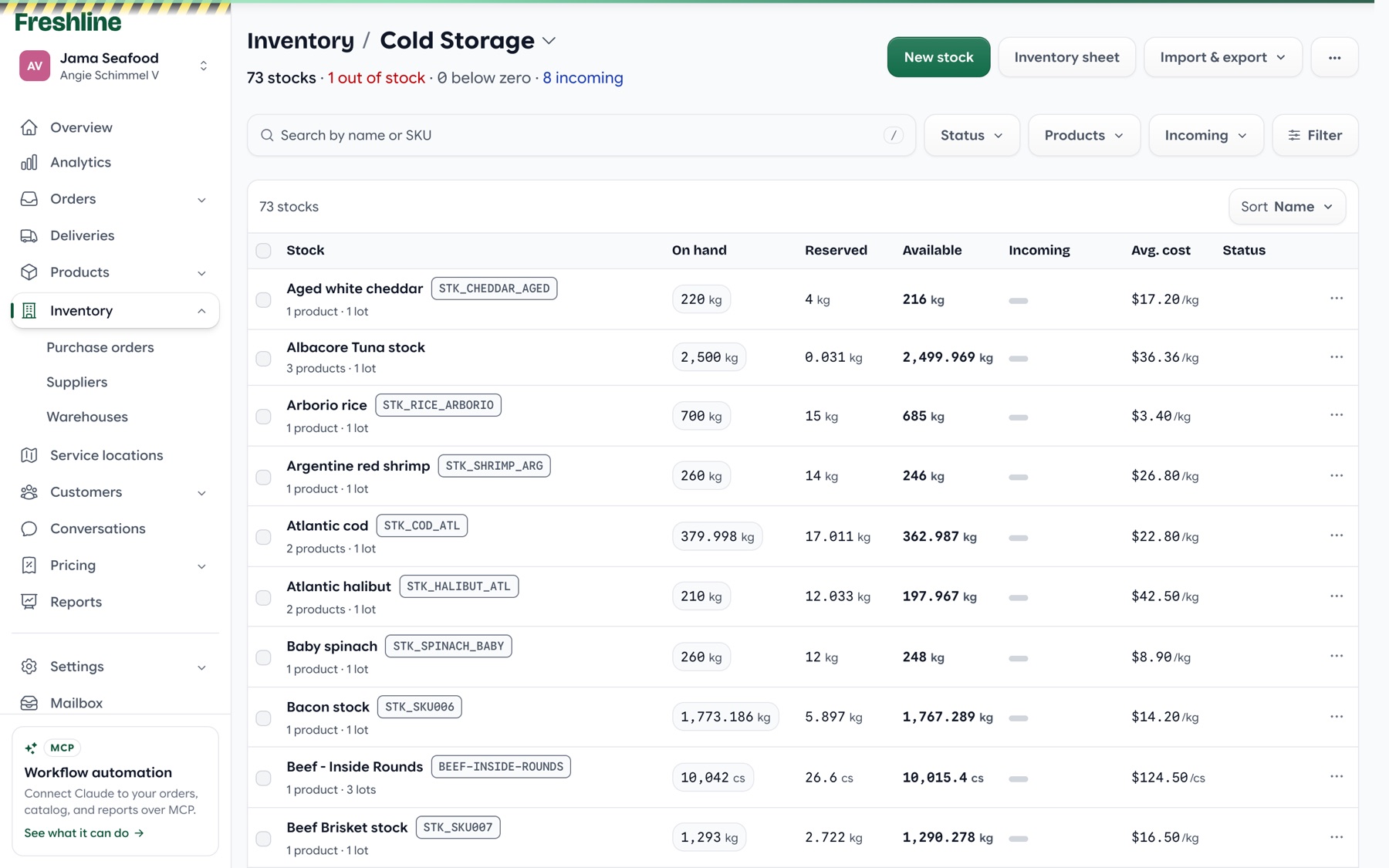
Inventory
Track stock by warehouse and lot: receive, count, transfer and sell when you run out.
See all 9 guides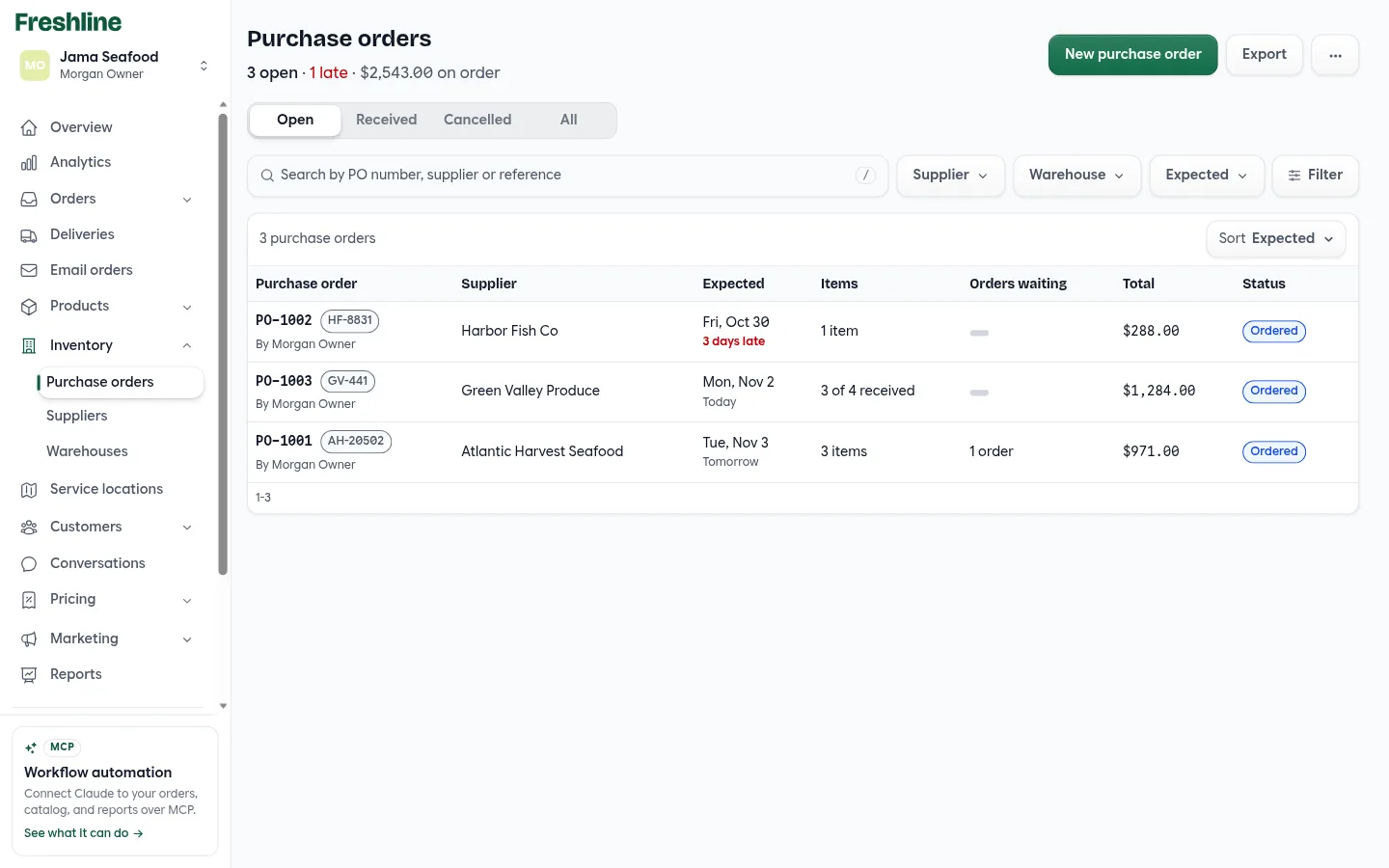
Purchase orders
Record what you buy from suppliers, sell it before it lands, and receive it into stock.
See all 6 guides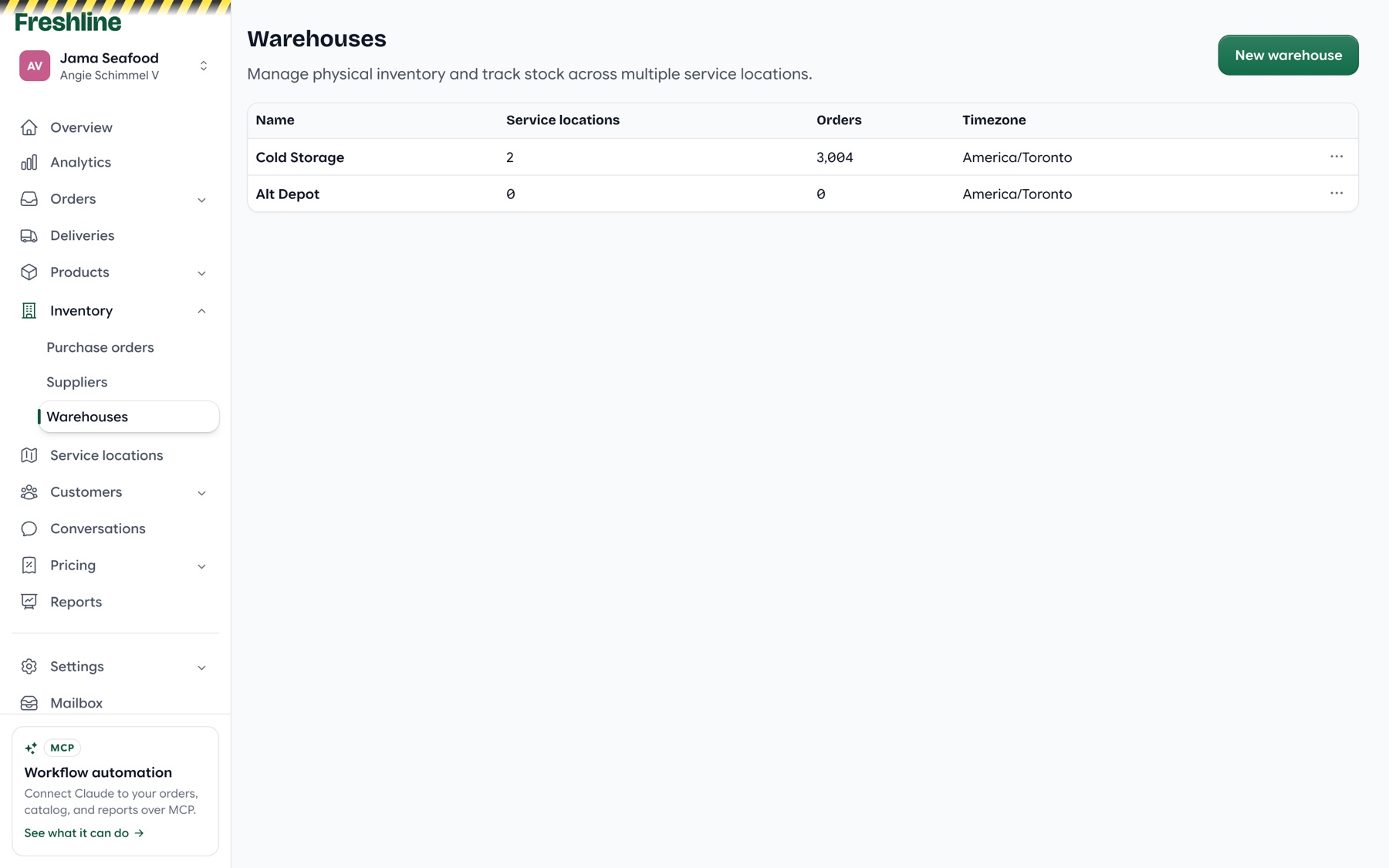
Warehouses
Run more than one location, each with its own stock, service areas and alerts.
- Add a warehouse
- Link service locations to a warehouse
- Add notification recipients
- Manage stock by warehouse
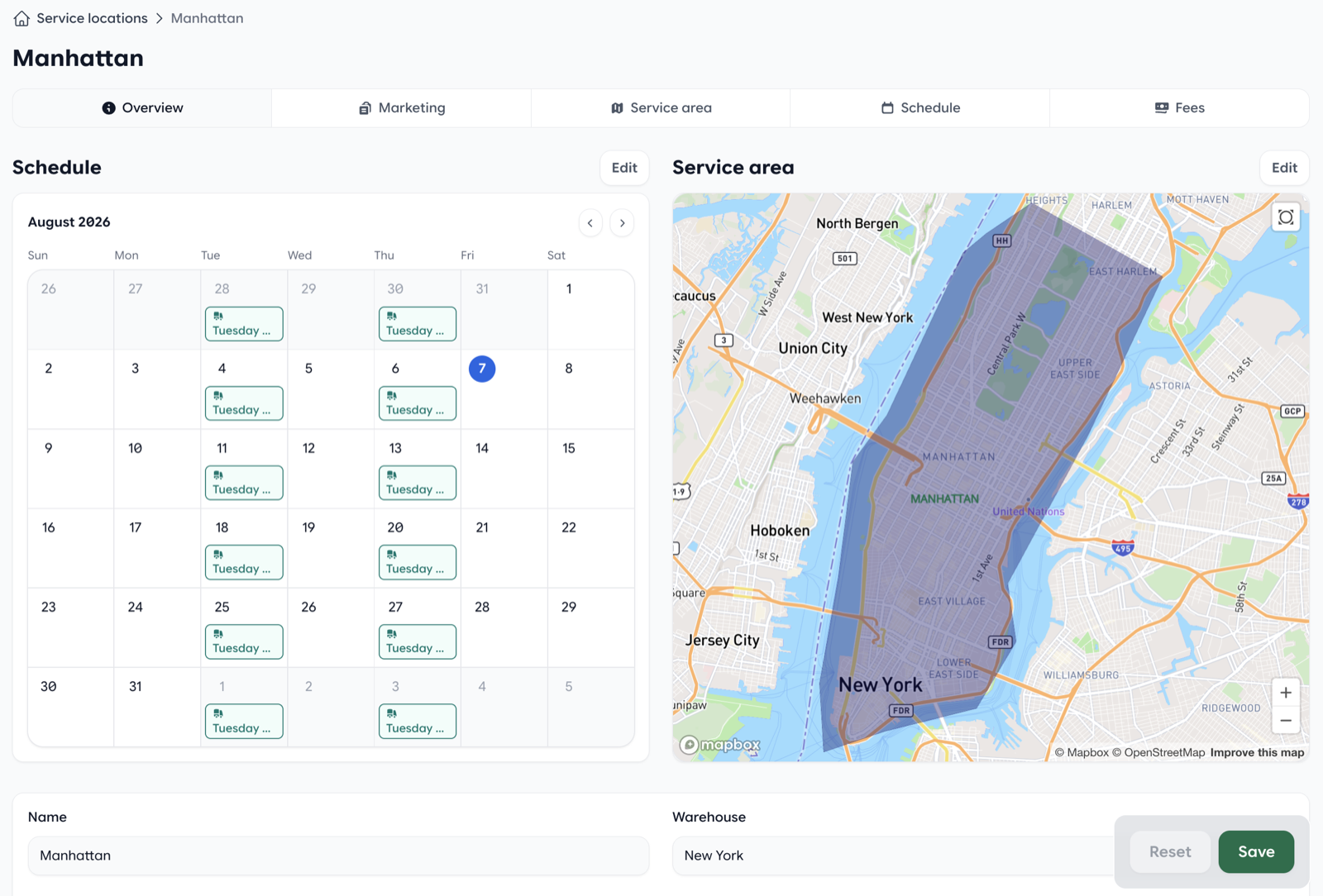
Service locations
Set where you deliver, which days customers can order for, and the cutoffs, minimums and fees.
- Create a service location
- Set the fulfillment schedule
- Set minimums and fees
- Assign customers to a service location
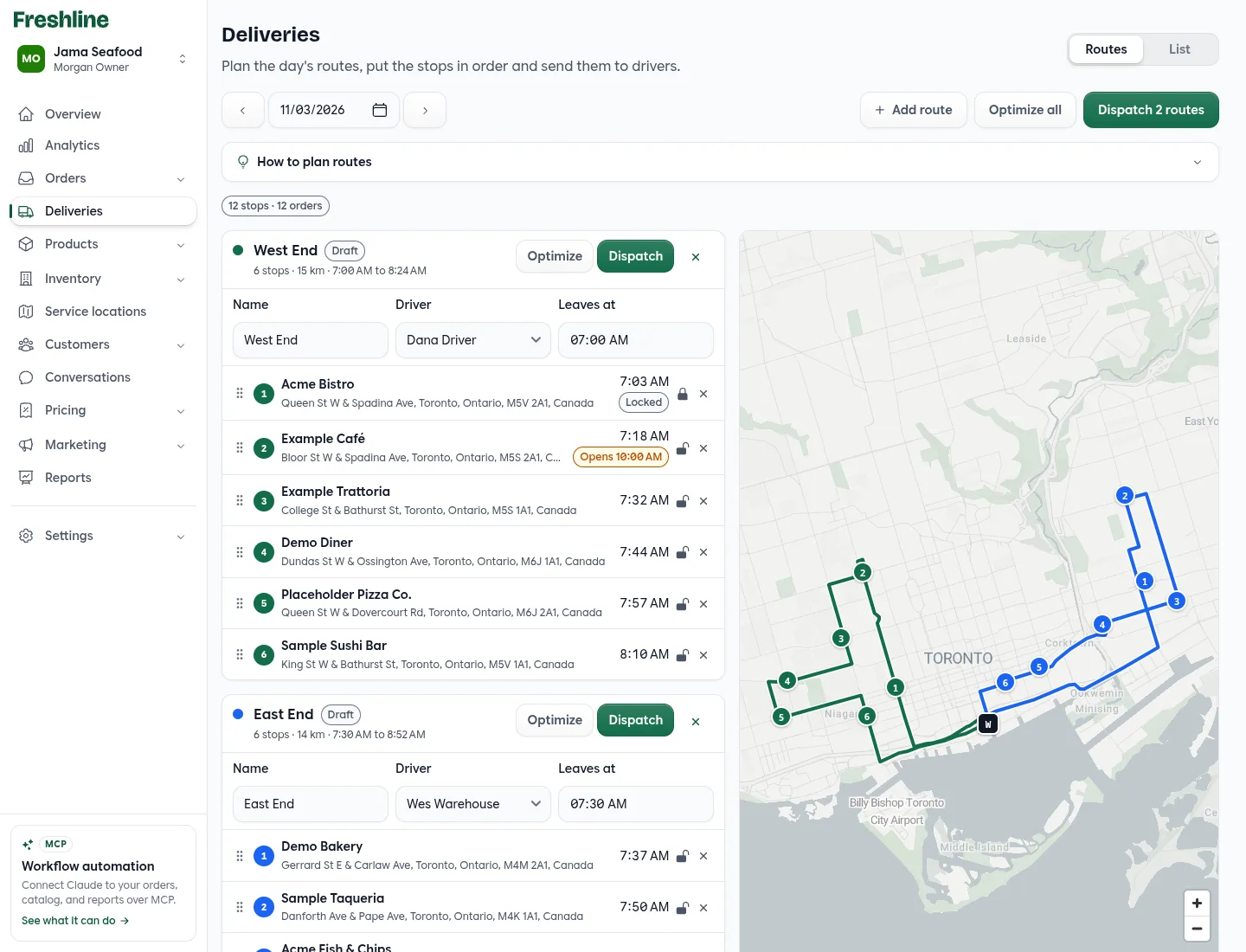
Deliveries and routes
Plan the day’s routes, send them to drivers and follow up on anything that couldn’t be delivered.
- Turn on routes for an area
- Plan and dispatch routes
- Deliver a route on your phone
- Keep customers posted
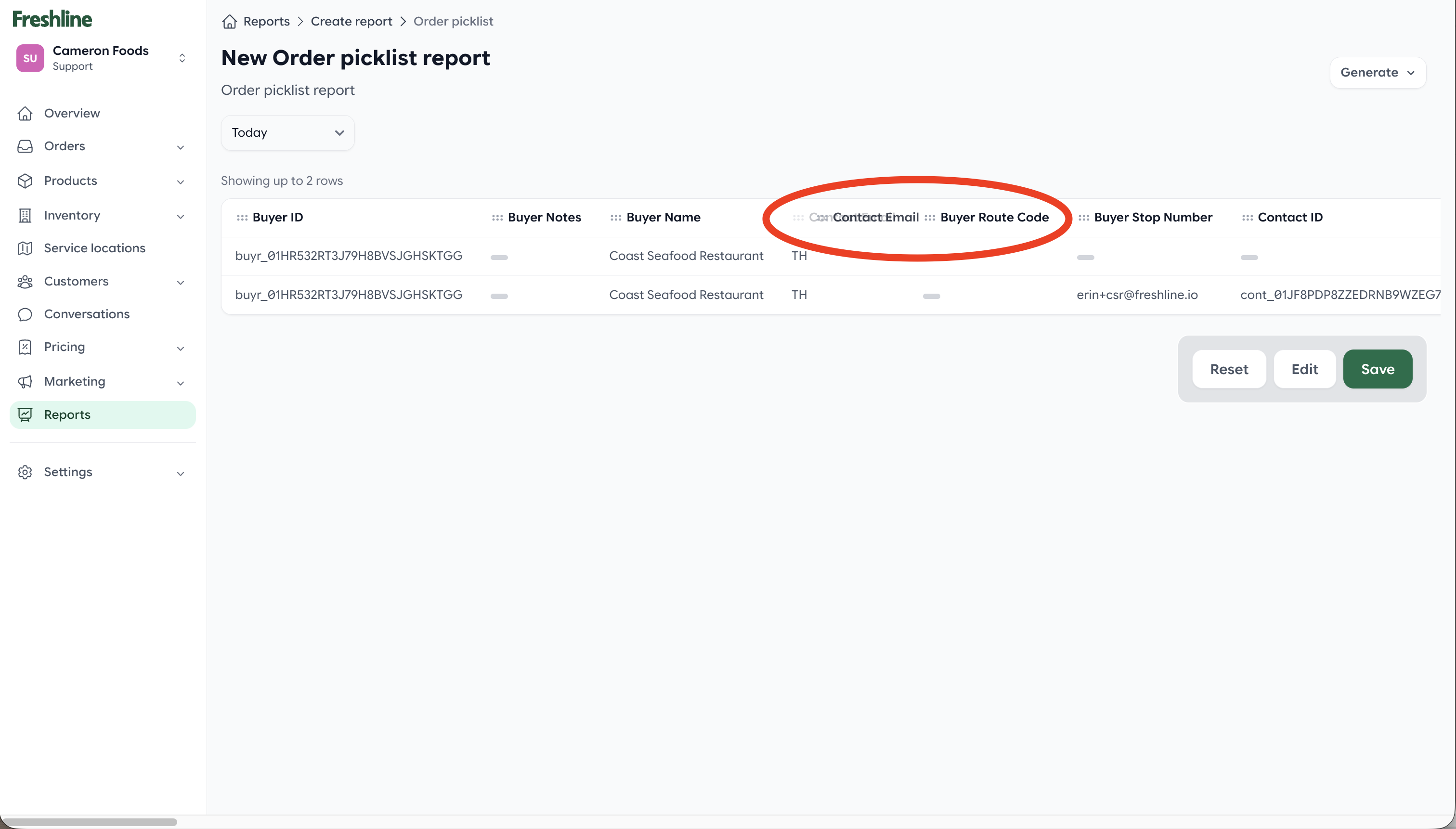
Reports
Run picklists, sales, inventory and pricing reports, save them and email them on a schedule.
Open guide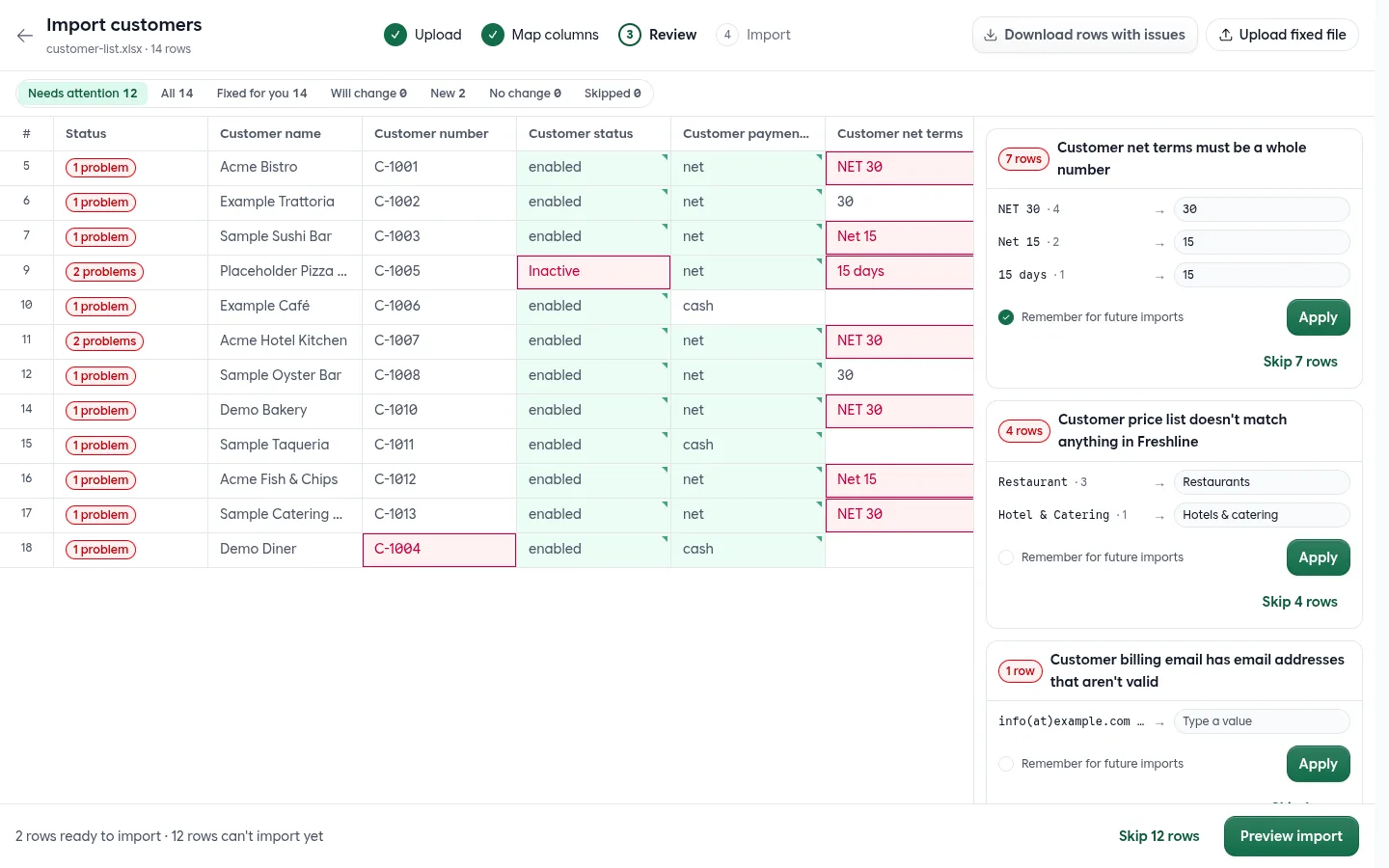
Imports
Bring products, customers, orders, prices and stock in from a spreadsheet, and fix problems before anything is saved.
- Import a spreadsheet
- Review import history
- Use import rules and saved mappings
- Import and export customers
Sales & customers
Customers, pricing, the storefront and AI ordering.
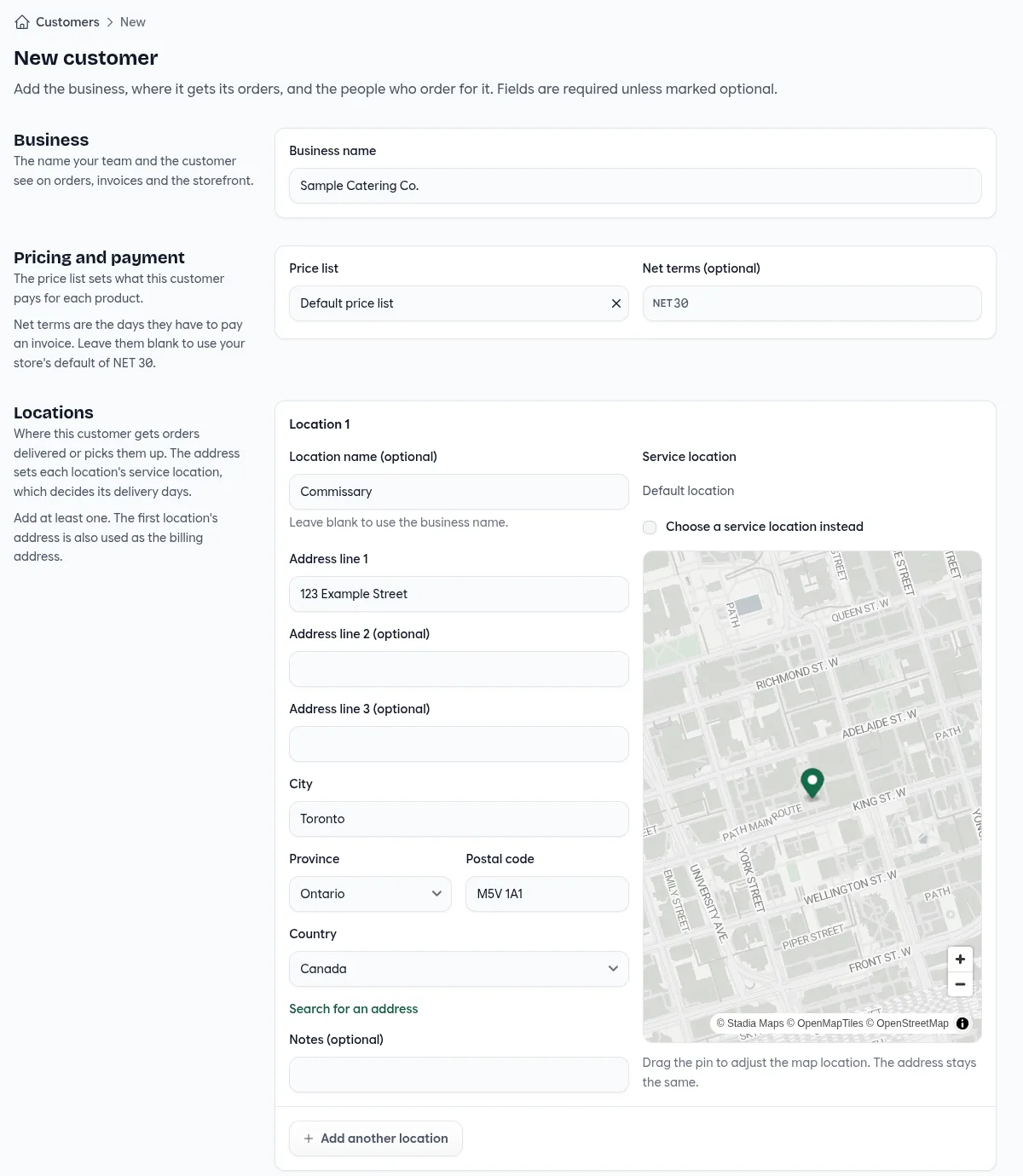
Customers
Add the businesses you sell to, invite their people and manage their locations and prices.
See all 13 guides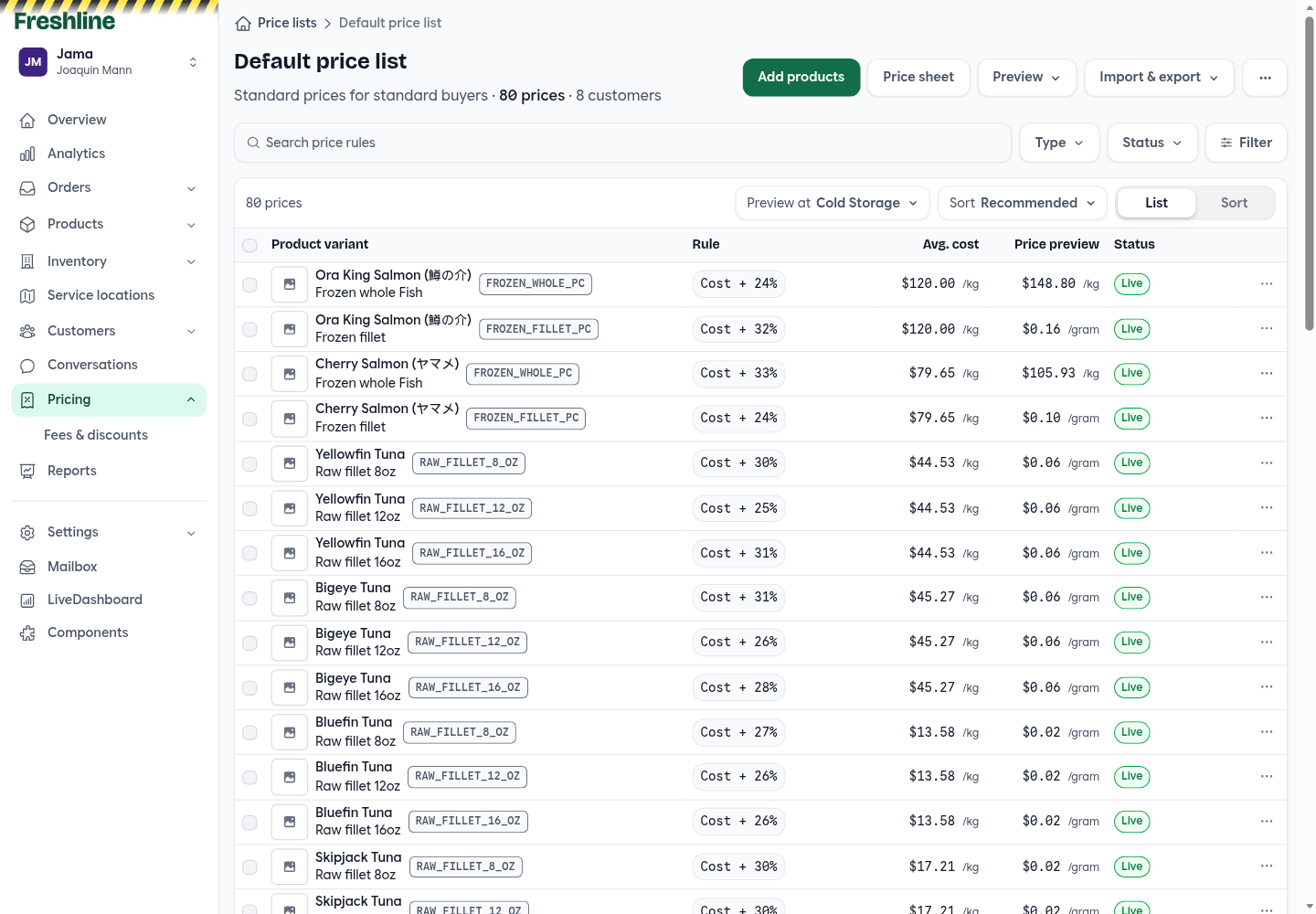
Price lists
Decide which products each customer can order and what they pay, with price lists and rules.
- Create a price list
- Edit prices, tiers and schedules
- Add customers to a price list
- Preview prices and send a price sheet
Fees and discounts
Add delivery, deposit and small-order fees, and discounts that apply automatically or with a code.
Open guideOrdering on the storefront
How your customers sign in, build a cart, check out, pay invoices and track deliveries.
- Sign up and sign in
- Browse the catalog and use your order guide
- Build a cart and choose a delivery date
- Check out and place your order
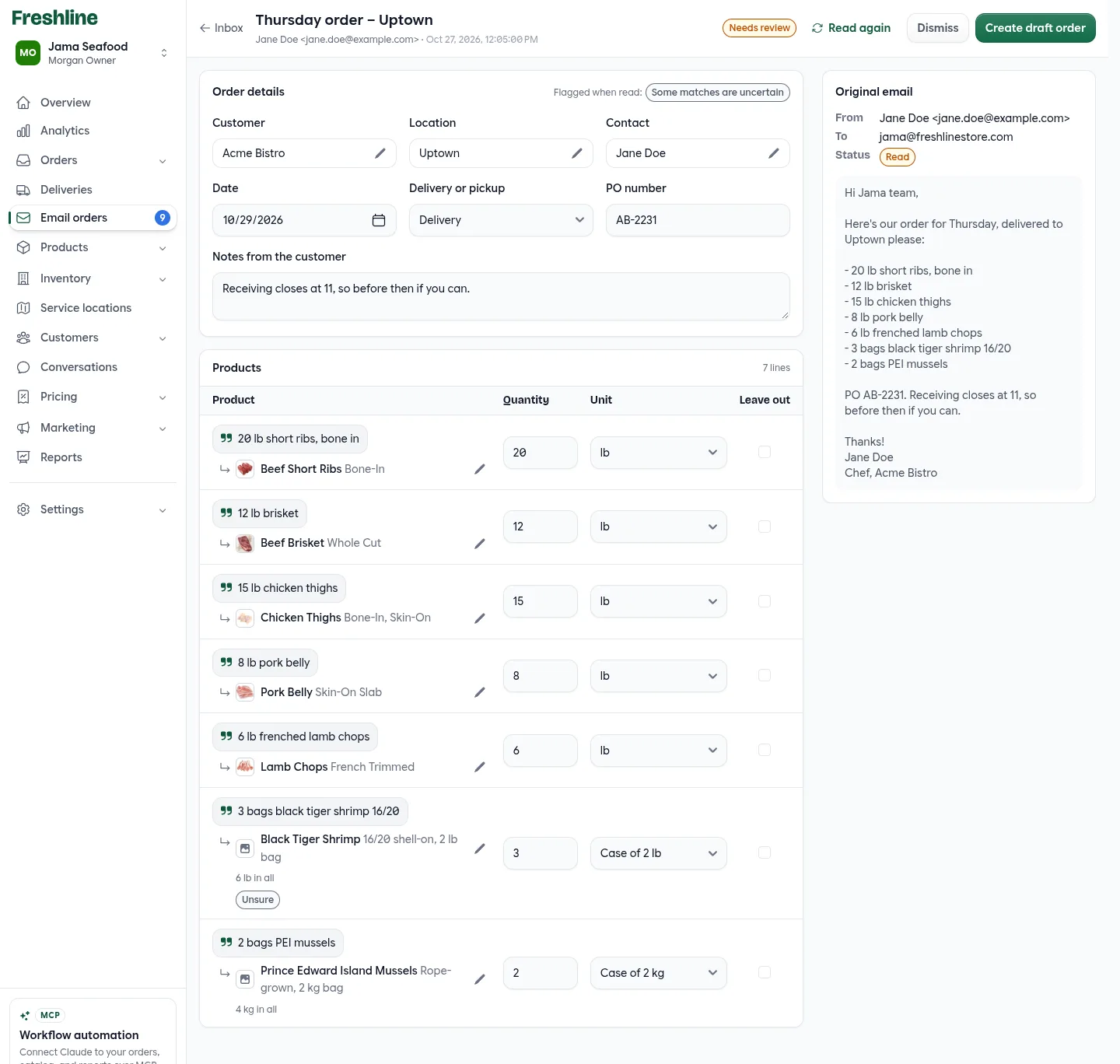
Email orders
Turn the orders customers email you into draft orders, without typing them in again.
- Set up your order email address
- Review an email order and create a draft
- Fix products and quantities
- Handle emails from unknown senders
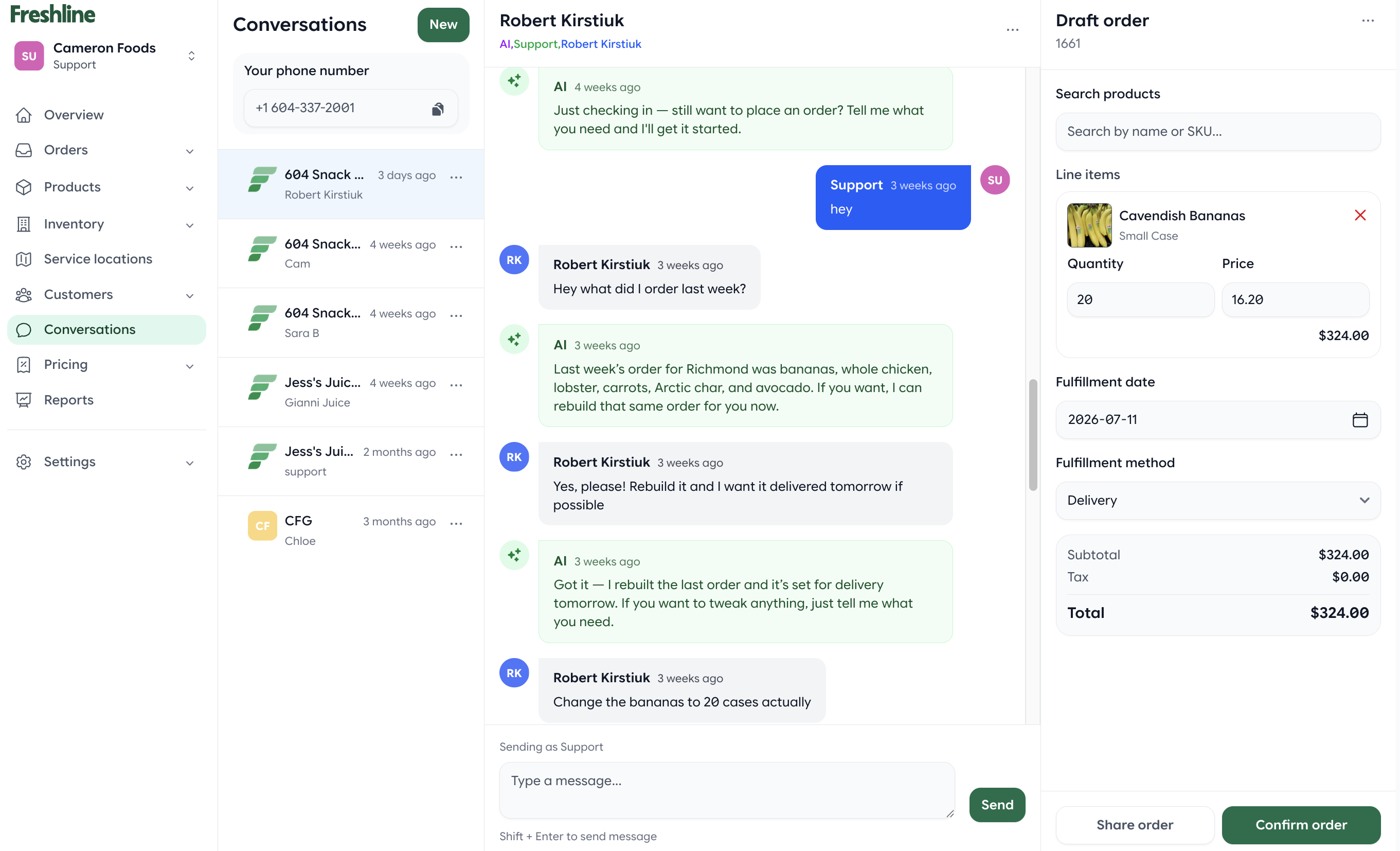
Conversations
Text with customers from Freshline and let the order bot turn their messages into orders.
- Set up your phone number
- Start a conversation and send messages
- Review an order proposal
- Edit, share and confirm the draft order
Marketing
Add pages and a blog to your storefront, group contacts, send emails and collect answers with forms.
See all 5 guidesPayments & invoicing
Collect payments, send invoices and keep accounts current.
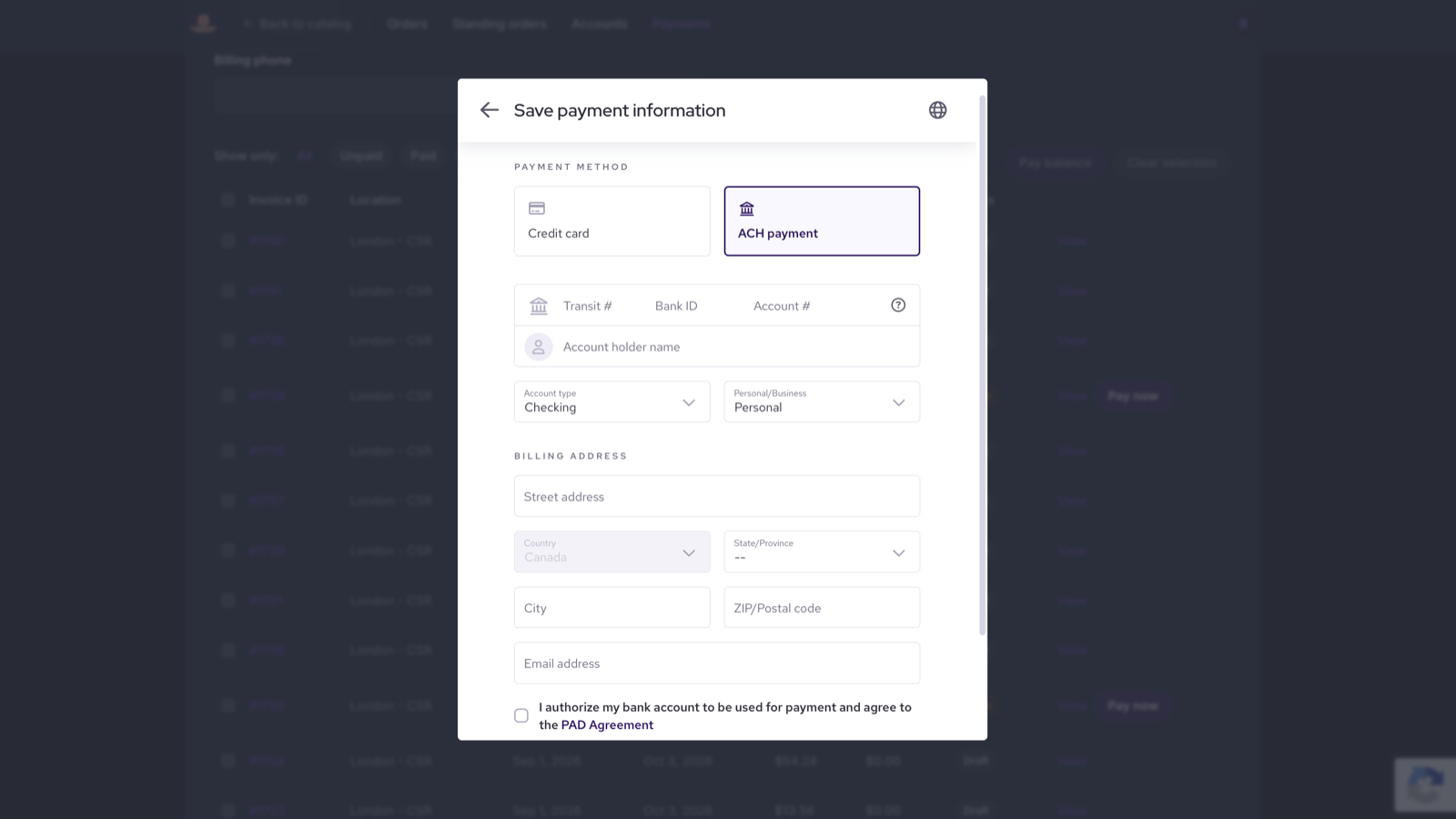
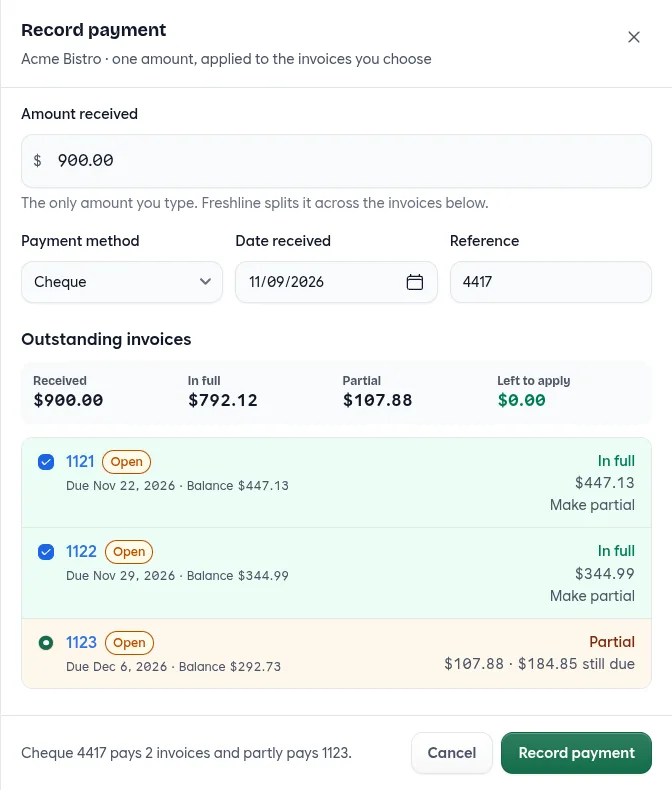
Collecting payments
Take payments on orders, record cheques, set up autopay and send payment reminders.
- Set up a customer’s payment methods
- Take a payment on an order
- Record one payment across several invoices
- Turn on autopay
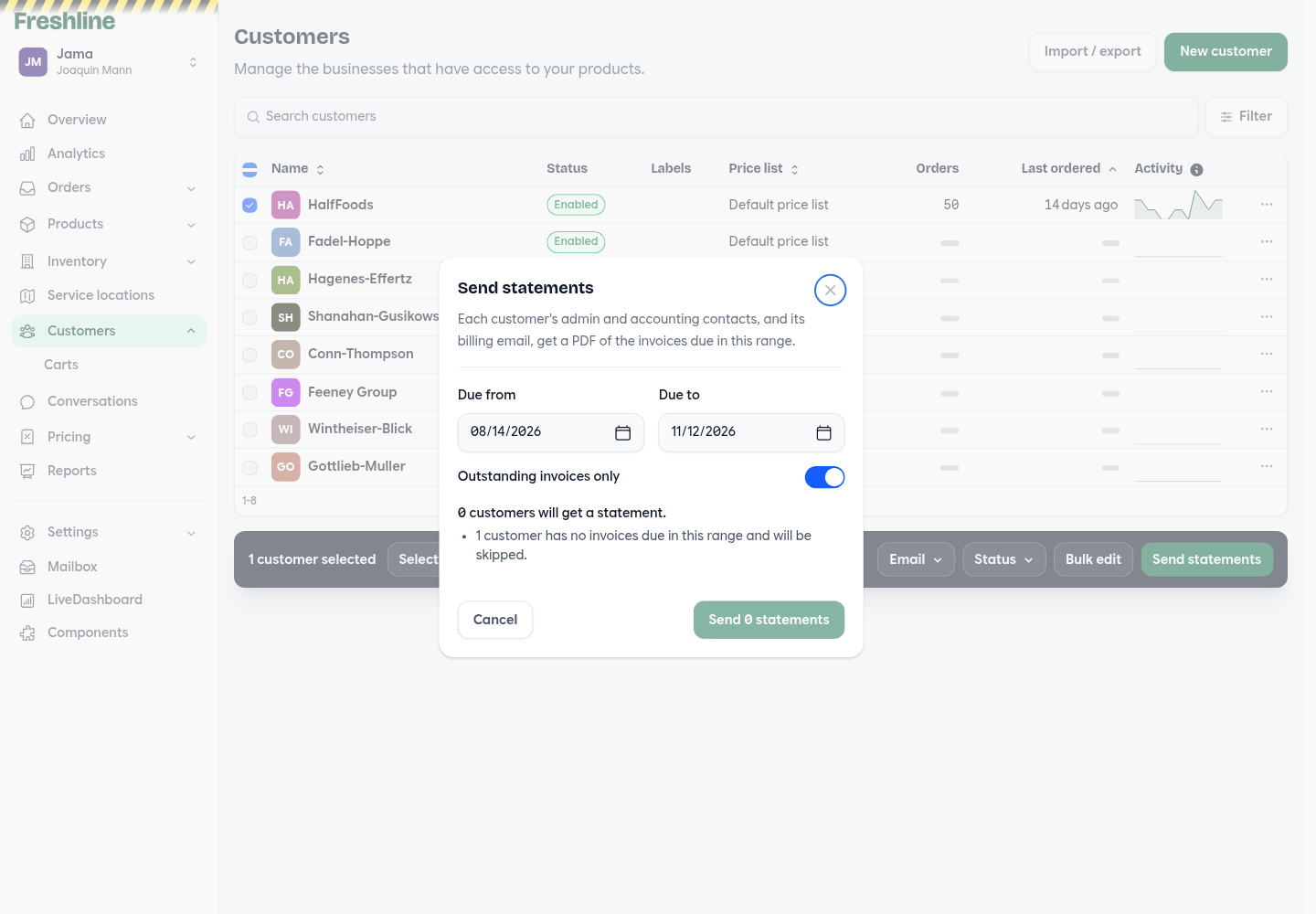
Invoices and statements
How invoices are created, how they look, when they’re due, and how to send statements.
- How invoices are created
- Customize your invoice layout
- Set net terms and due dates
- Email and print invoices
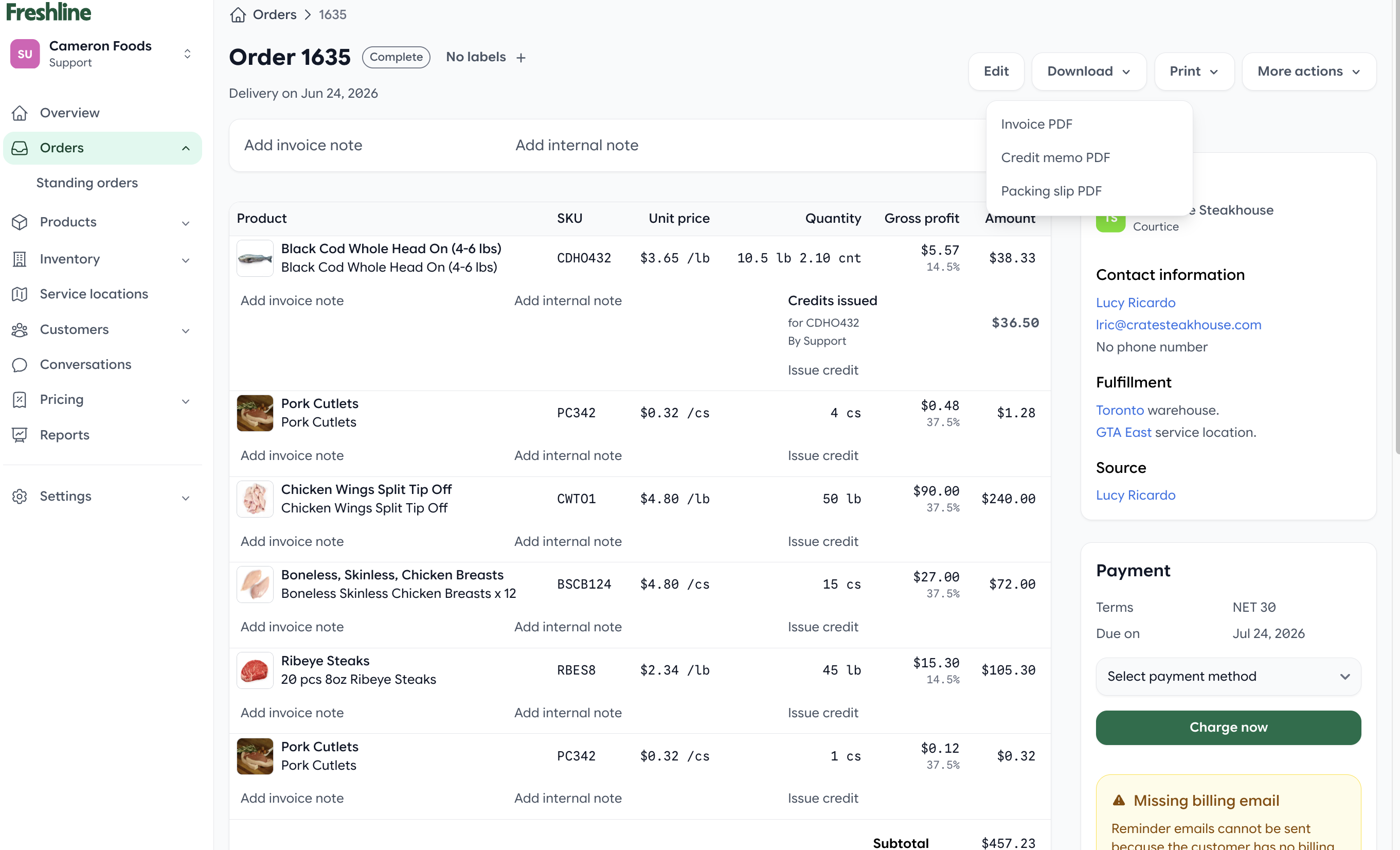
Credits and refunds
Issue credits on order lines, keep account credit, approve credit requests and set credit limits.
Open guideIntegrations
Connect your accounting system, AI tools and other apps.

QuickBooks Online
Connect QuickBooks Online so customers, products and invoices stay in step with Freshline.
- Connect QuickBooks Online
- Configure QuickBooks Online settings
- Push or pull a single record
- Fix sync errors
Other accounting and ERP integrations
Connect Business Central, Unleashed, Routific, BigQuery and other systems, and keep syncs healthy.
See all 5 guides
AI assistants and workflow automation
Connect Claude or ChatGPT to your store so an AI agent can take orders, pick and chase payments.
Open guideDeveloper tools and API
Use the REST API, OAuth apps, webhooks and checkout apps to connect your own systems.
Open guideStill need help?
Our team usually replies within one business day.