June focused on faster order entry, smoother order management, better customer communications, and continued improvements across inventory, pricing, documents, storefront, and the Freshline admin experience.
AI-Powered Order Entry
Order Bot
This month, we've rolled out a major overhaul of Order Bot.
While Freshline has supported text-to-order for some time, this new version is significantly more autonomous and intelligent. Order Bot now understands customer conversations more accurately, drafts orders with far less manual input, and can proactively suggest products and quantities based on customer history and buying patterns.
This release is another major step toward fully conversational ordering, with additional capabilities and automation planned over the coming months.
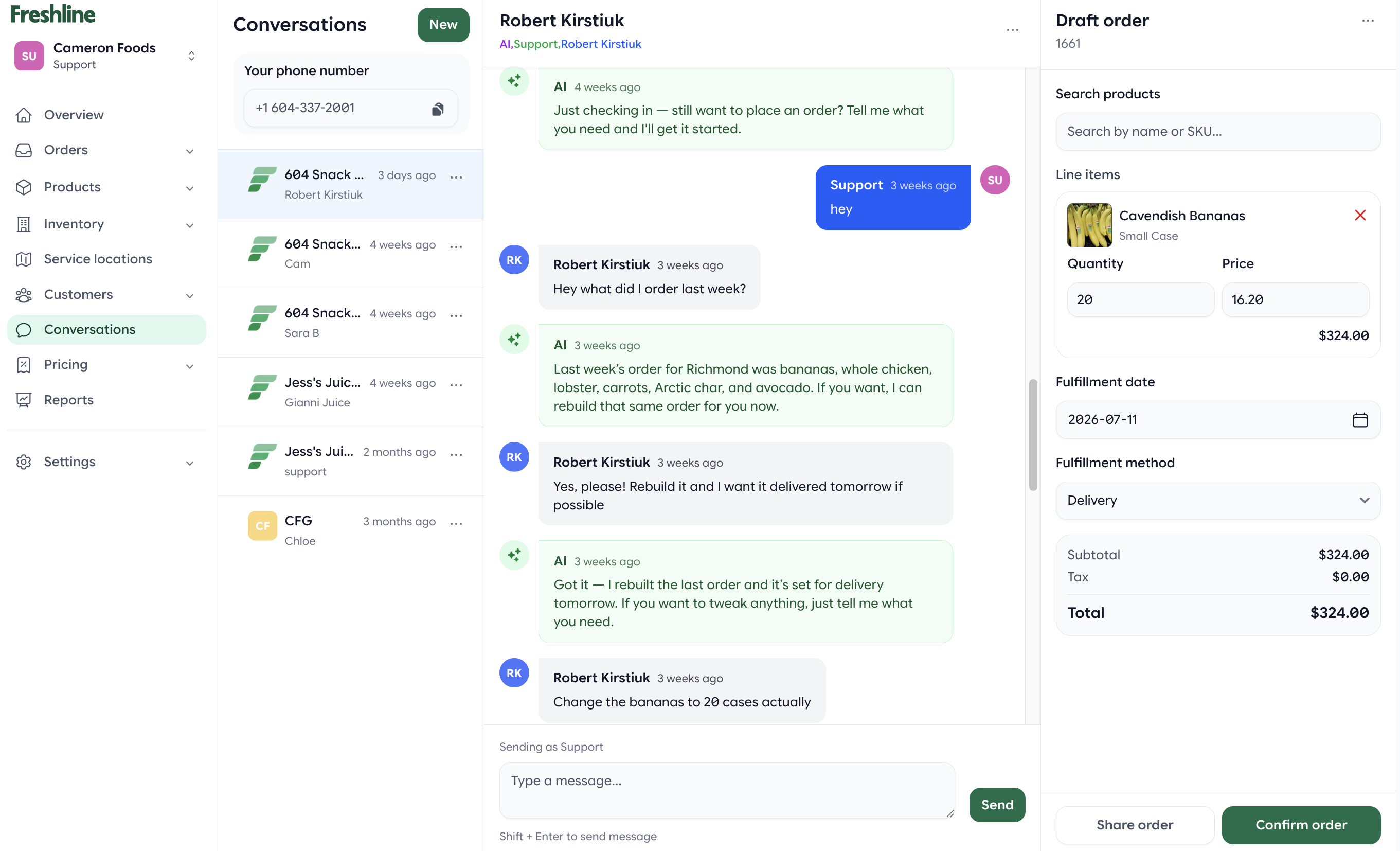
Order Bot can draft orders from customer conversations with more autonomous product and quantity suggestions.
Faster Order Management
We made significant improvements to everyday order workflows, including:
- Edit customer contacts and delivery locations directly while creating orders
- Smarter CSV order imports with automatic matching and confidence scoring
- Quick filters to find orders faster
- Ability to delete standing orders
- Improved order completion workflow
- Issue store credit directly from individual order line items
- Simpler fee management during order creation
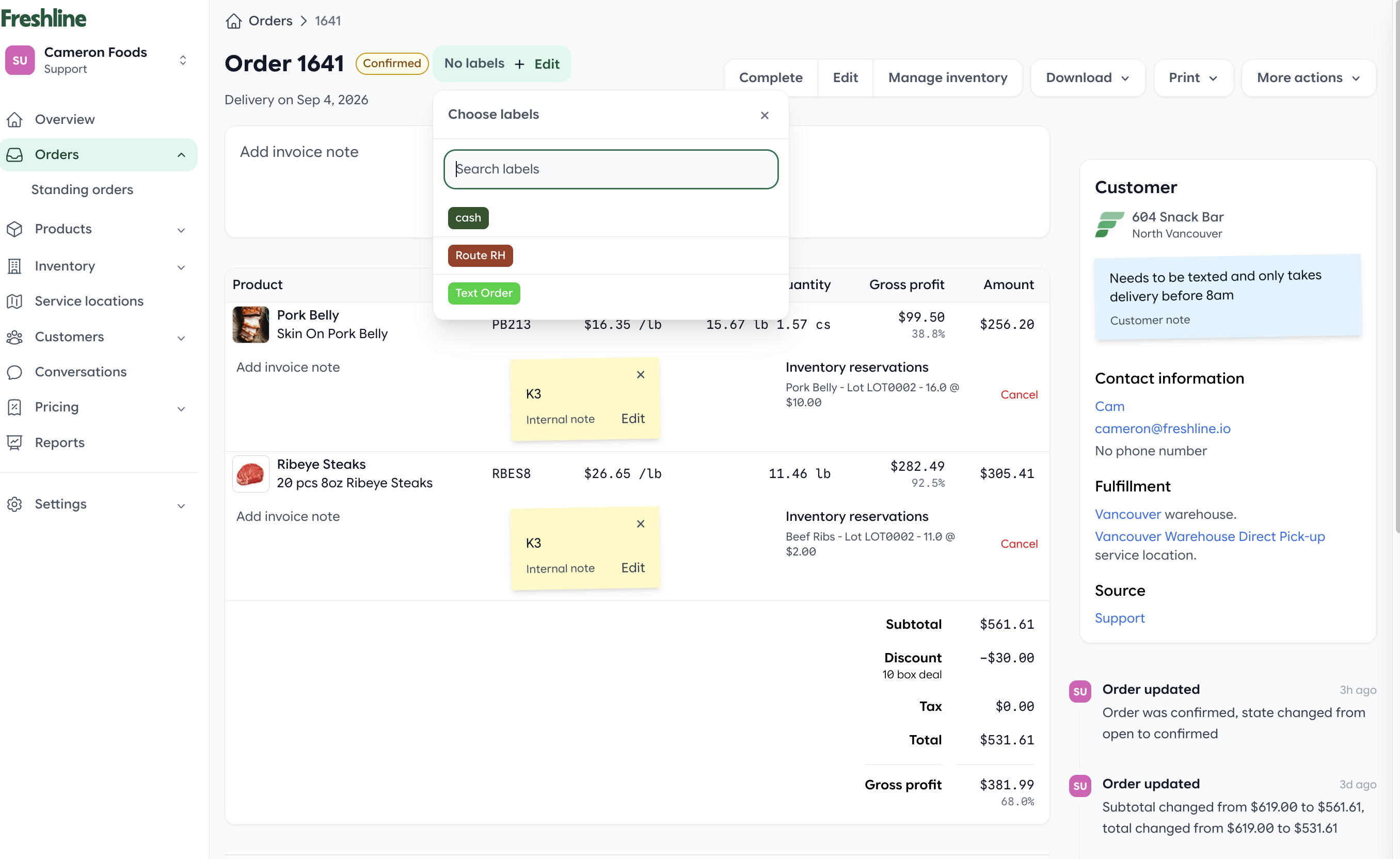
Label management helps teams organize and find order workflows faster.
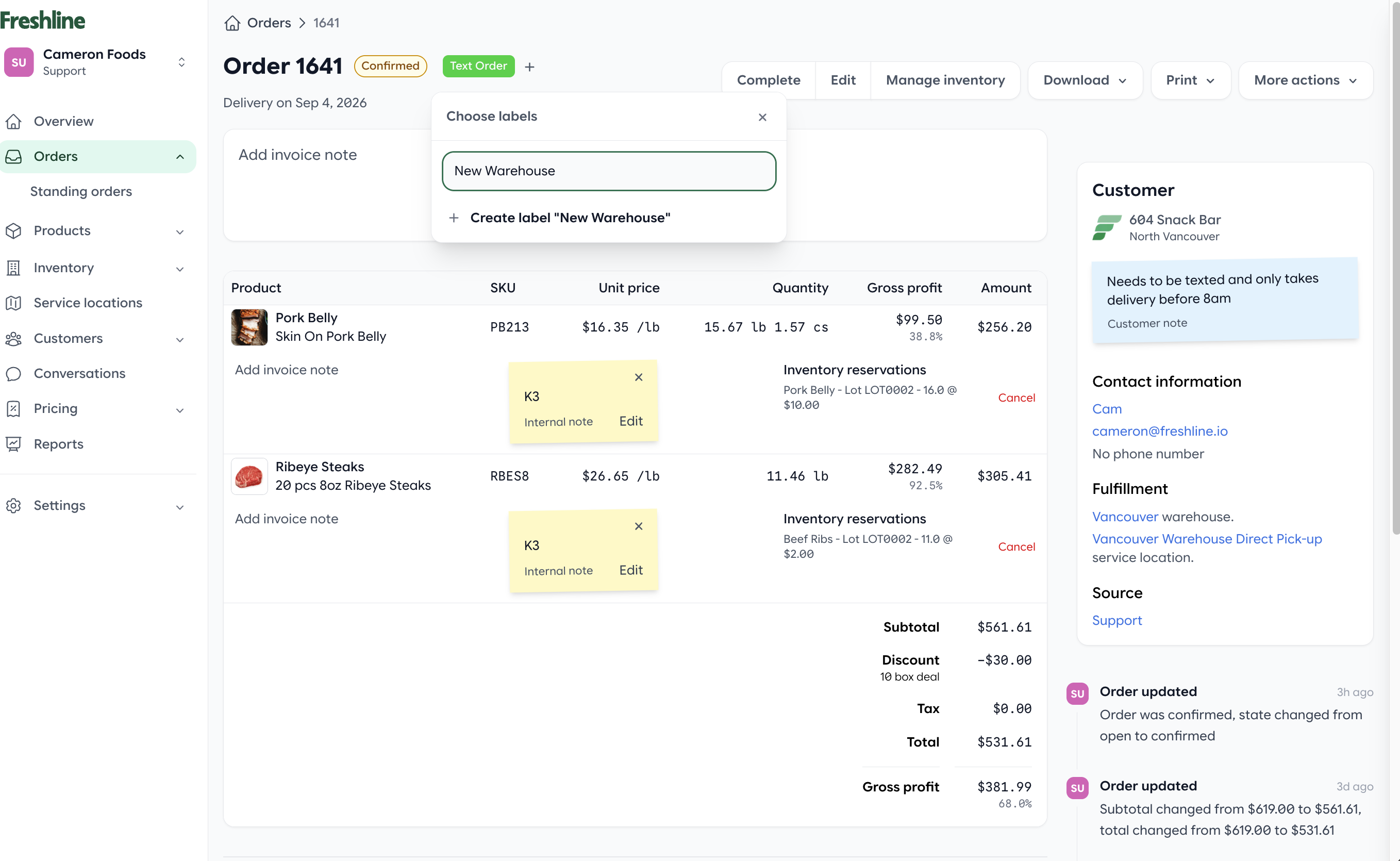
Updated label tools make order categorization easier to manage.
Better Packing Slips & Invoices
Several printing and document improvements shipped this month:
- Faster Quick Edit packing sheet printing with improved layouts
- Internal notes can now appear on packing slips
- Signature capture now includes signer information and order context
- Improved invoice readability
- Optional signature lines on modern invoices
- Customer statements now respect selected filters when generating PDFs
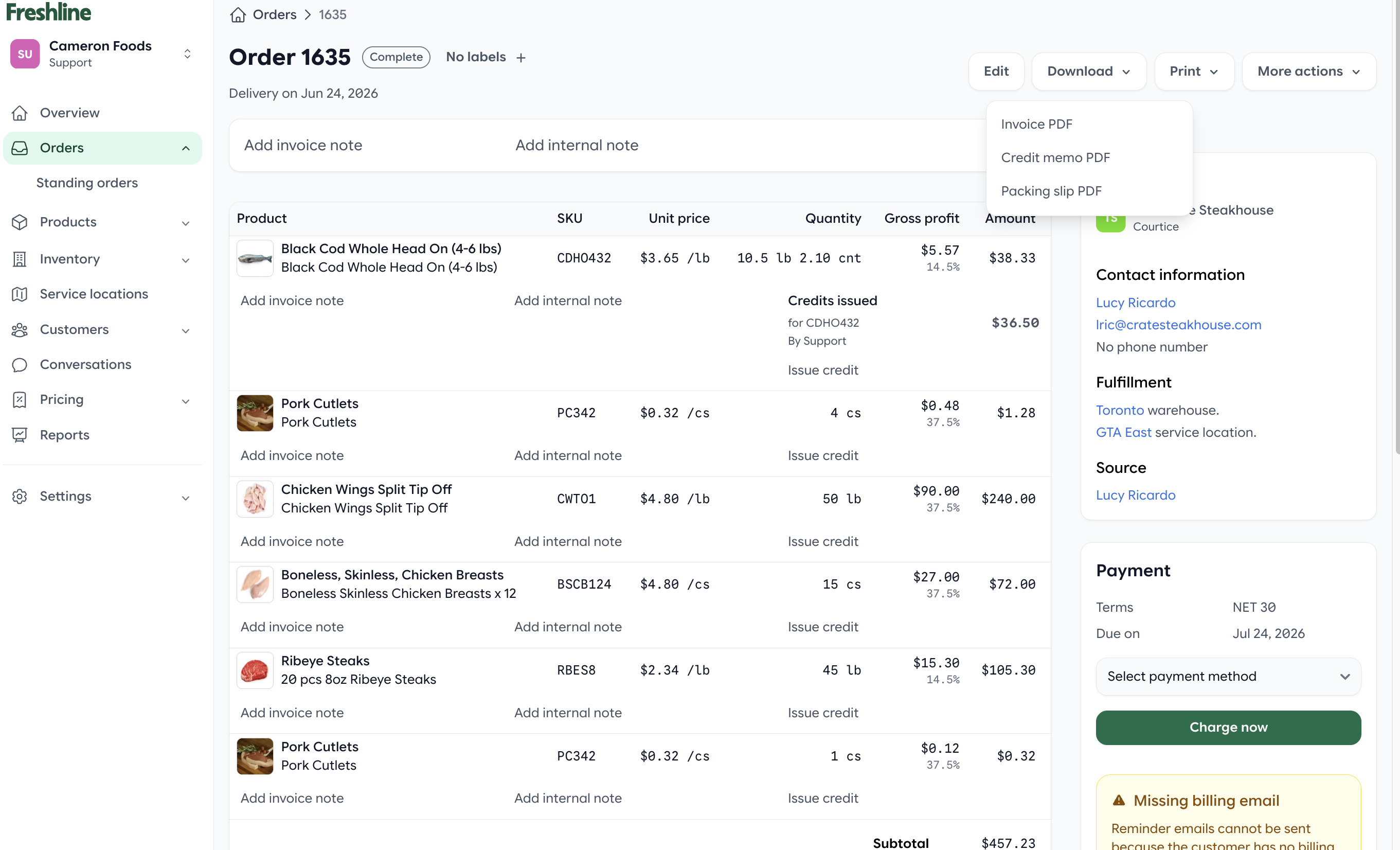
Document improvements include clearer credit memo PDFs.
Inventory & Pricing Improvements
Managing inventory just became easier. New capabilities include:
- Track inventory by location
- Import price rules directly from Excel
- More detailed error reporting during bulk inventory imports so issues are easier to resolve
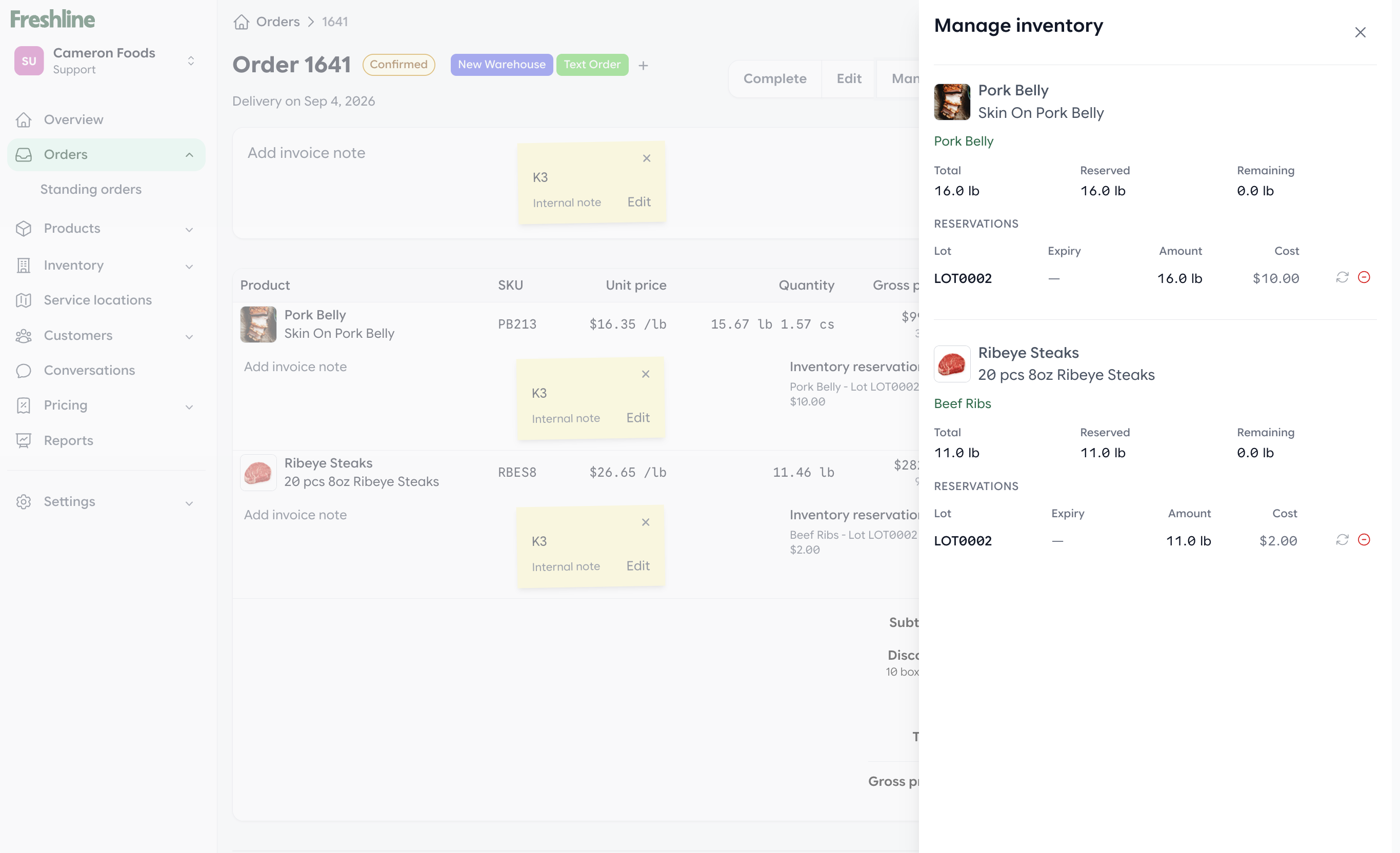
Enhanced inventory management gives teams clearer inventory context while managing orders.
Better Customer Communications
We continued improving the Conversations experience with cleaner workflows and clearer notifications.
- Unread conversation indicators
- Cleaner Conversations interface
- Option to hide order details from customer notification emails when appropriate
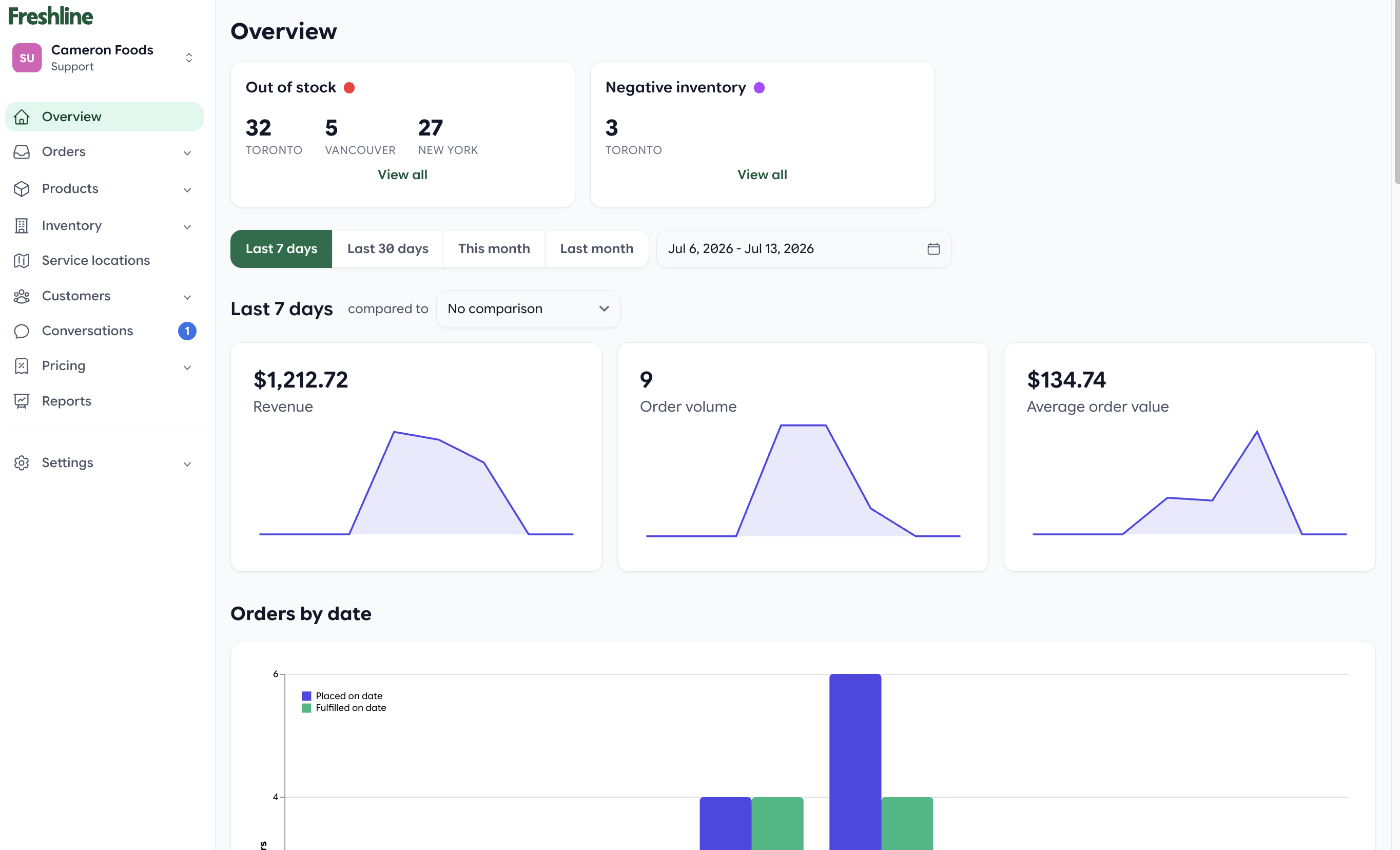
Conversation notifications make unread customer messages easier to spot.
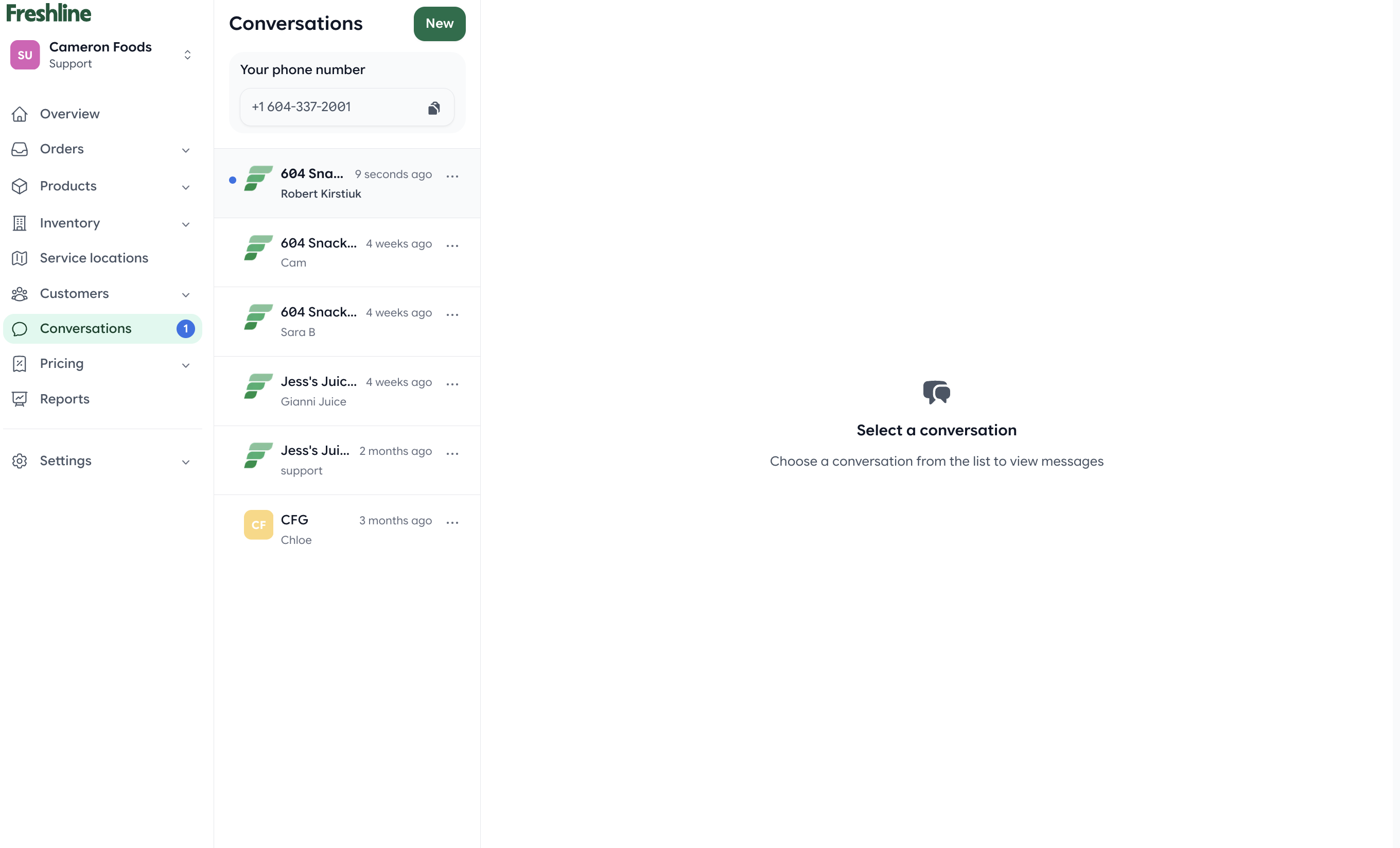
Unread indicators help teams prioritize customer follow-up.
Storefront Improvements
Buyers will also notice several improvements:
- Faster browsing with larger default catalog page sizes
- Improved Mobile Safari shopping and checkout experience
Admin Experience
We also continued refining the Freshline admin experience with usability improvements across navigation, search, scheduling, and custom fields.
- Improved navigation and search throughout the admin portal
- Better service schedule configuration
- Enhanced custom field editing and management
As always, thank you for your continued feedback. Many of these improvements were driven directly by customer requests, and we are excited to keep building alongside you.
If you would like a walkthrough of any of these new features, reply to your Freshline email or reach out to your Customer Success Manager.